New AI models in AI Studio

Try Now
PRIZMAD
Alternatives

Top 5 Submagic Alternatives in 2026 (Tested & Priced)

By Prizmad Team, EditorialLast reviewed: 2026-08-025 tools compared

The best Submagic alternative depends on what's actually missing. OpusClip is the pick if long-form repurposing is your core job — Submagic only offers that via a separate $19/mo add-on. Klap matches Submagic's flat-count pricing philosophy with 4K/multilingual dubbing built in. Kapwing beats it on general editing depth for teams that need more than captions. VEED matches its caption quality with a fuller timeline editor. Prizmad closes the list for the buyer whose real need is ad creative from a product URL, not captions on footage they already filmed.

Context

Why people look for Submagic alternatives

Submagic's caption quality (123 languages, claimed 99% accuracy) is genuinely strong, but its pricing structure creates real friction. Two caps apply simultaneously — a flat monthly video count (15/40/100 by tier) and a separate maximum length per video (2/5/30 minutes) — so a handful of longer videos can exhaust a month's allowance faster than the headline video-count number suggests. Long-form repurposing, the core job of tools like OpusClip and Klap, isn't included at all; it's a separate Magic Clips add-on at +$19/mo per member on top of every tier.

The free tier is also thin: 3 free videos with no credit card required, then no recurring free plan afterward — thinner than OpusClip's genuinely ongoing 60 min/mo free allowance, which lets you test clip quality indefinitely before paying anything.

And Submagic's AI avatar mention — 'create shorts without filming with AI avatars' — sits at the feature-description level without the documentation depth of a dedicated UGC-ad platform: no published avatar count, no persona library, no product-URL-to-script flow. Teams that came to Submagic expecting an ad-generation tool based on that homepage line typically discover it's a captioning-and-editing product first.

The list

The best Submagic alternatives, ranked

1

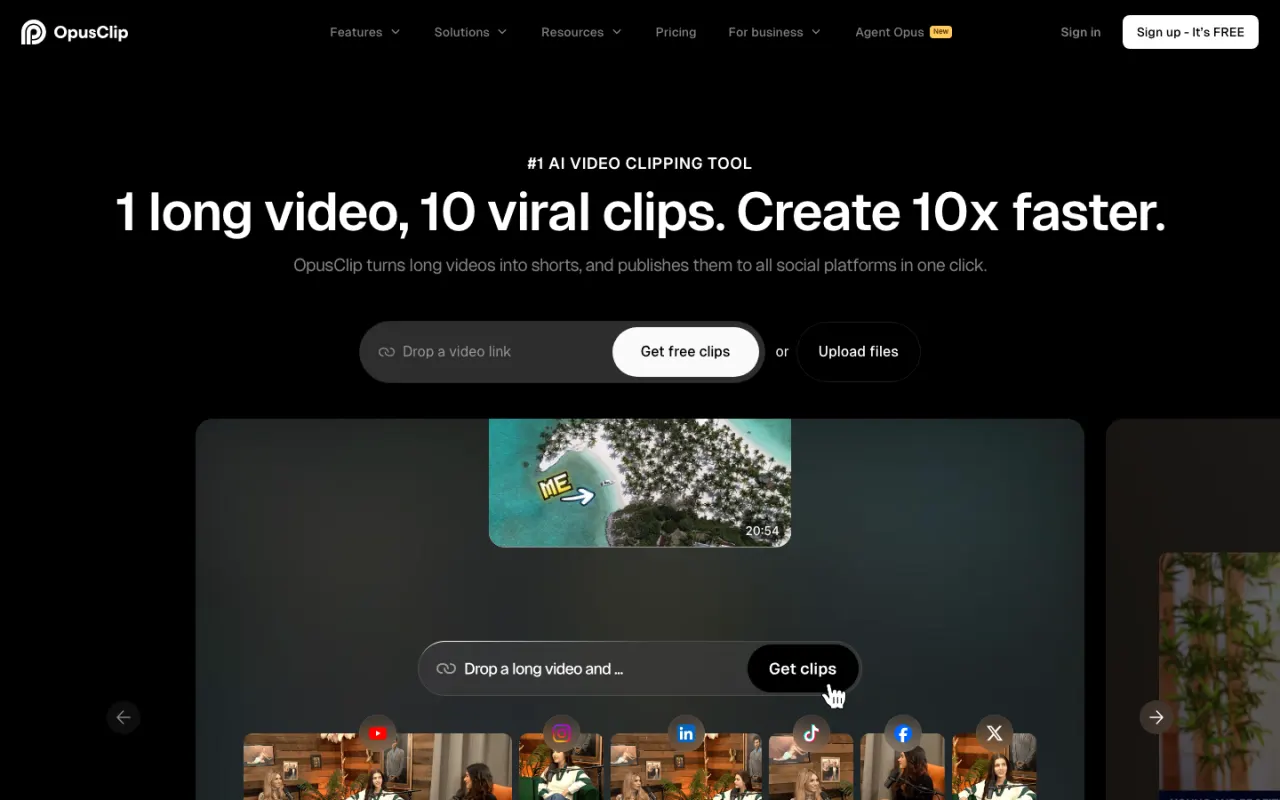
OpusClip

4.1Best for long-form repurposing (included, not an add-on)

OpusClip's entire product is the job Submagic bolts on as a $19/mo Magic Clips add-on: turning long recordings into clips with AI-driven highlight detection, vertical reframing, and a virality score. Its free tier is a genuine ongoing 60 processing minutes/month — twenty times more evaluation runway than Submagic's one-time 3-video trial — and paid plans start at $15/mo Starter, cheaper than Submagic's Starter-plus-Magic-Clips combined cost ($19 + $19 = $38/mo).

Best for: Podcasters and media teams whose core need is mining long-form video for shorts, not captioning footage they already cut.

Pricing: Prices verified July 2026 on opus.pro/pricing (annual view): Free 60 min/mo, Starter $15/mo (monthly billing only) for 150 min, Pro $29/mo monthly or $14.50/mo billed yearly ($174 billed annually) for 300 min/mo (3,600 credits pooled across the year on annual).
2

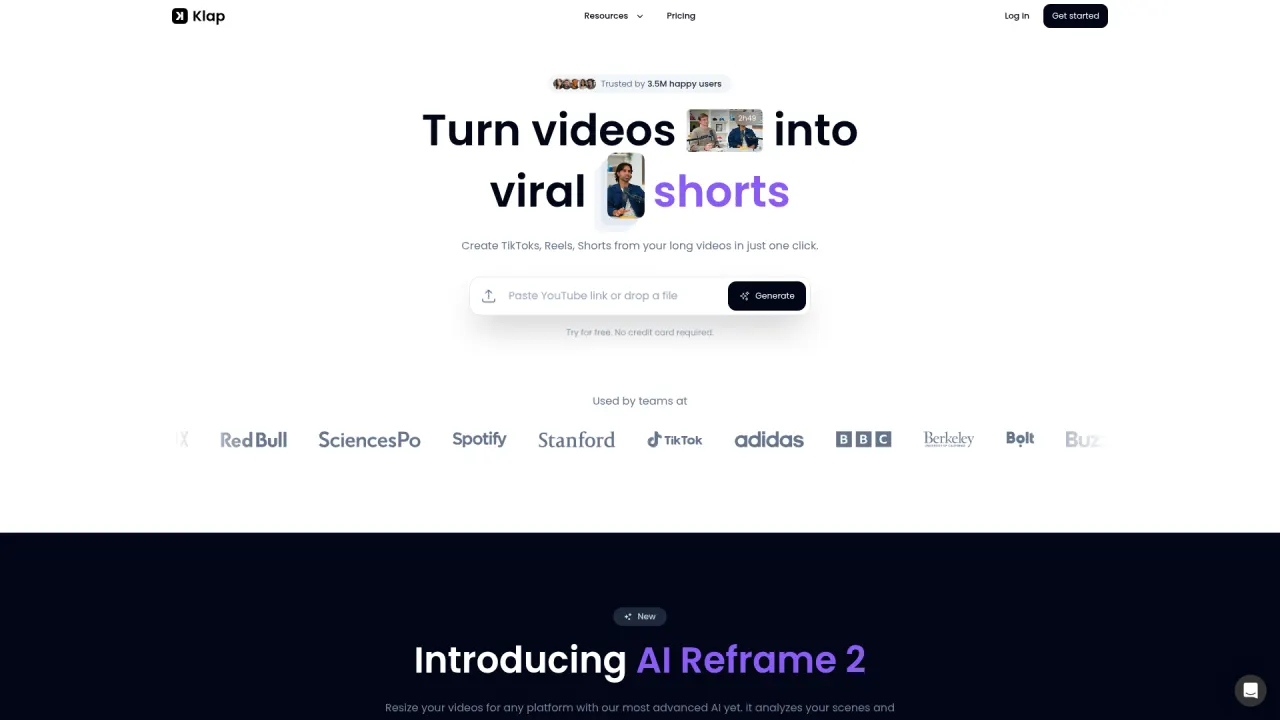
Klap

3.7Best matching flat-count pricing philosophy, with 4K/dubbing built in

Klap shares Submagic's preference for flat monthly counts over processing-minute credits (clips per month instead of videos per month), and bundles 4K exports plus 29-language AI dubbing directly into its Pro tier ($39/mo billed yearly) rather than requiring a separate add-on. The trade-off: Klap's captions cover 52 languages versus Submagic's wider 123, and Klap has no equivalent to Submagic's AI hook-title and bad-take-removal automation.

Best for: Teams who like flat-count budgeting and want 4K/multilingual dubbing without stacking a separate add-on fee.

Pricing: Prices verified July 2026 directly on klap.app/pricing, which defaults to the annual-billing view ("Yearly — Save 50%"): Basic $14/mo, Pro $39/mo, Pro+ $94/mo, all billed yearly. Monthly-billing rates — confirmed via Klap's own comparison blog post and third-party review sendshort.ai — are roughly double: $29/$79/$189. There is no recurring free plan; new users get one free video with no credit card required.

3

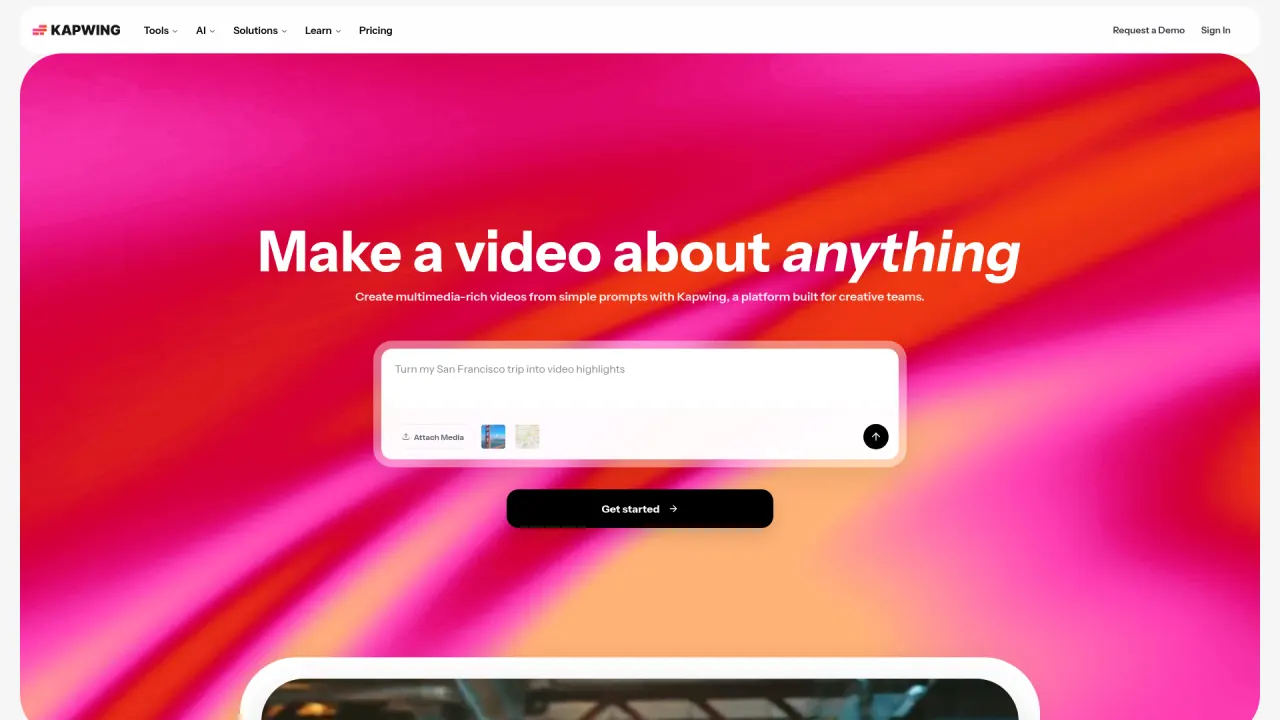
Kapwing

3.9Best for teams needing a full editor, not just captions

Kapwing wraps a genuine multi-track timeline editor around its AI tools — captioning is one feature among script generation, video generation, dubbing, and clip repurposing, all in one workspace. For teams that need general editing depth (transitions, effects, a stock library) alongside AI-assisted captioning, Kapwing's Pro tier ($16/mo billed yearly) covers more ground than Submagic's caption-and-edit-automation focus, though its caption language coverage trails Submagic's 123 languages.

Best for: Teams that need a real timeline editor in addition to AI captioning, not a caption-first tool with editing extras.

Pricing: Prices verified August 2026 directly on kapwing.com/pricing, which defaults to the annual-billing view: Pro $16/mo billed yearly ($24/mo billed monthly), Business $50/mo billed yearly ($64/mo billed monthly). Free tier gives 10 credits/mo with hard 720p/1-minute export caps rather than unlimited light use.

4

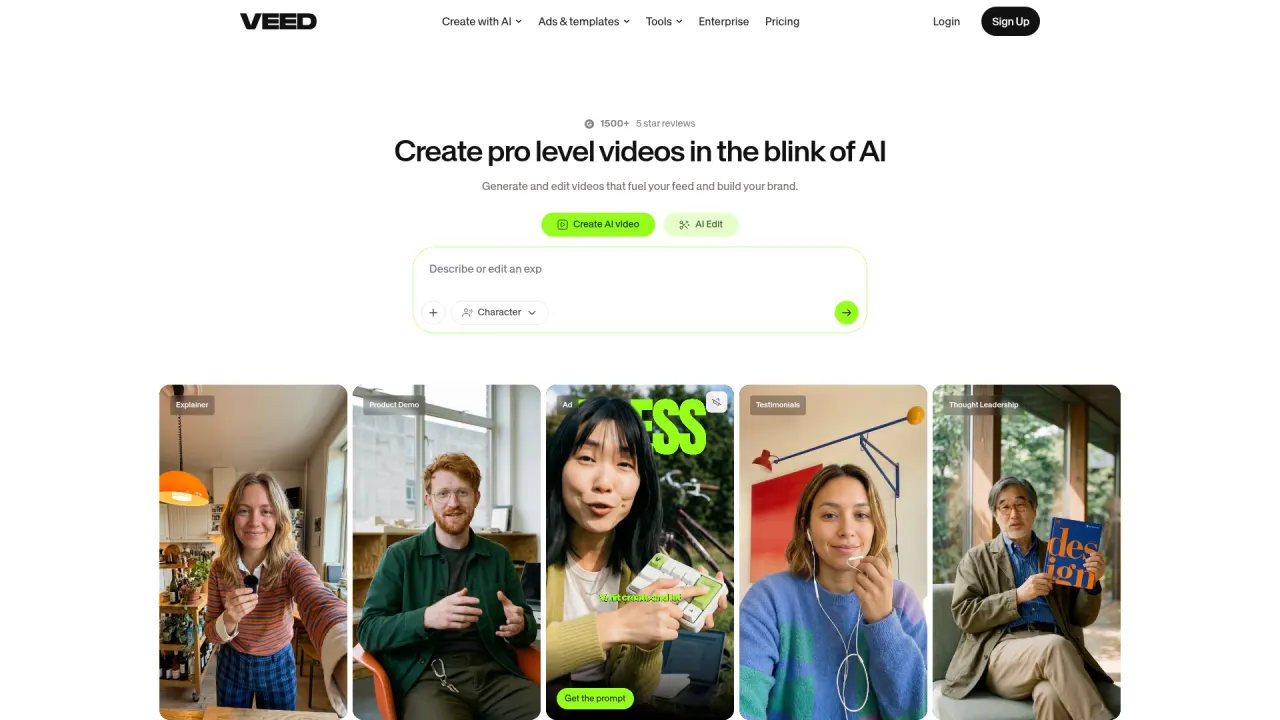
VEED

4.2Best matching caption quality with a fuller editor

VEED's auto-caption engine is comparably deep to Submagic's — fast, accurate across accents, extensive styling options — wrapped in a full browser timeline plus a one-tab studio (screen recorder, teleprompter, eye-contact correction, noise removal) that Submagic doesn't offer. Entry is $12/user/mo billed yearly, in the same range as Submagic's Starter, and VEED includes long-form editing tools Submagic reserves for its Magic Clips add-on or omits entirely.

Best for: Creators who want Submagic-caliber captions but also need a general-purpose editor in the same product.

Pricing: Prices verified July 2026 on veed.io/pricing (annual billing, per user). Monthly billing costs meaningfully more — VEED advertises savings of up to ~50% for going annual; check the monthly toggle on the vendor site. Note the credits are an annual pool, not monthly, and don't roll past renewal.

5

Prizmad

Best if your real problem is no footage to caption

Honest framing: Prizmad is not a captioning or editing tool and can't replace Submagic for teams with a steady stream of raw footage to caption and repurpose. It's here for the DTC marketer who read Submagic's 'AI avatars' homepage line hoping for an ad generator and found a caption-and-editing product instead. Paste a product URL and in about 5 minutes Prizmad generates a finished UGC-style ad — script, one of 50+ AI avatars, AI voiceover, captions, and music — from $19/mo with published token math (Starter $99/mo covers ~16-20 videos) and full commercial rights.

Best for: DTC founders and media buyers who don't have footage to caption and need ad creative generated from a product page instead.

Pricing: Launch $19/mo (30 tokens), Starter $99/mo (80 tokens, ~16-20 videos), Pro $249/mo (350 tokens) — published per-video token math, full commercial rights on every plan.

At a glance

Quick comparison

ToolOur ratingPaid plans fromBest for
OpusClip4.1/5$0Podcasters and media teams whose core need is mining long-form video for shorts, not captioning footage they already cut.
Klap3.7/5$14/mo billed yearly ($29/mo billed monthly)Teams who like flat-count budgeting and want 4K/multilingual dubbing without stacking a separate add-on fee.
Kapwing3.9/5$0Teams that need a real timeline editor in addition to AI captioning, not a caption-first tool with editing extras.
VEED4.2/5$0Creators who want Submagic-caliber captions but also need a general-purpose editor in the same product.
Prizmad$19/moDTC founders and media buyers who don't have footage to caption and need ad creative generated from a product page instead.

Ratings and prices come from our hands-on reviews, verified against vendor pricing pages — see each linked review for the full breakdown and capture-dated screenshots.

Or Skip the Shortlist — Test Prizmad on a Real Ad, Free

Paste any product URL, get a finished UGC video ad in about 5 minutes. Reading lists is useful; running your own brief is decisive.

Fair play

Who should stay on Submagic?

Submagic remains the strongest pick in this category for anyone whose priority is best-in-class multilingual captions (123 languages, claimed 99% accuracy) bundled with AI editing automation — hook titles, clean audio, bad-take removal — on footage they've already filmed. Its flat video-count pricing is genuinely easy to reason about if your monthly output volume is predictable, and direct publishing to TikTok, YouTube, and Instagram from Pro up removes a manual export step.

Stay if caption quality and language breadth are your main criteria, or if you're already comfortable with the video-count-plus-length-cap structure. Look elsewhere if long-form repurposing is your core need (it's a paid add-on here, not included), if the 3-video one-time trial doesn't give you enough runway to evaluate before paying, or if your actual gap is originating ad creative from a product page rather than captioning video you've already shot.

Undecided? Read our full Submagic review — verified pricing, pros and cons, and who it actually fits.

FAQ

Submagic alternatives — common questions

What is the best Submagic alternative in 2026?

It depends on the specific gap: OpusClip if long-form repurposing is your core need (included free at 60 min/mo, versus Submagic's paid Magic Clips add-on), Klap if you want flat-count pricing with 4K/dubbing bundled in, Kapwing if you need a fuller general editor, and VEED if you want comparable caption quality with a broader timeline editor attached.

Is there a free Submagic alternative?

Yes — and most offer more evaluation runway than Submagic's own one-time 3-video trial with no recurring free plan. OpusClip's free tier is a genuine ongoing 60 processing minutes/month, and VEED and Kapwing both offer usable (if capped) free tiers for basic editing and captions.

Why do people switch away from Submagic?

Three reasons dominate: two simultaneous caps (video count and per-video length) that can exhaust a tier faster than expected, long-form repurposing sold as a separate $19/mo add-on rather than included, and an AI avatar feature mentioned on the homepage without the documentation depth of a dedicated ad-generation platform. Creators who need best-in-class captions on existing footage mostly stay; those expecting an ad generator usually leave.

Submagic vs OpusClip — which is better?

OpusClip wins on long-form repurposing — it's the core product, included free at 60 min/mo, versus Submagic's paid Magic Clips add-on. Submagic wins on caption quality and language breadth (123 languages versus OpusClip's narrower coverage) and bundles more general AI editing automation (hook titles, clean audio, bad-take removal). Pick based on whether repurposing or captioning is your primary job.

Which Submagic alternative is best for making video ads?

Prizmad — with the caveat that it's a different category, not a captioning tool. It generates a finished UGC-style ad from a product URL in about 5 minutes (script, avatar, voiceover, captions, music) rather than captioning or repurposing footage you already have. If you have source footage and want Submagic's caption quality, stick with Submagic, VEED, or Kapwing instead.

Keep reading

Related comparisons