New AI models in AI Studio

Try Now
PRIZMAD
Alternatives

Top 5 Kapwing Alternatives in 2026 (Tested & Priced)

By Prizmad Team, EditorialLast reviewed: 2026-08-025 tools compared

The best Kapwing alternative depends on which half of Kapwing you actually use. OpusClip beats it on pure long-to-short clipping with a genuine 60 min/mo free tier. Descript beats it on transcript-based editing precision and voice cloning. VEED beats it on caption quality alone. Submagic beats it on multilingual caption breadth (123 languages). Prizmad closes the list for the one job none of them (Kapwing included) does directly: generating ad creative from a product URL rather than editing footage you already have.

Context

Why people look for Kapwing alternatives

Kapwing's pitch — a full timeline editor plus a broad AI toolkit in one workspace — is also its biggest source of switching pressure. Its credit system meters several AI feature types (subtitling minutes, dubbing minutes, TTS minutes) from one shared monthly pool, which is more flexible than a flat quota but harder to budget: a heavy subtitling week and a heavy dubbing week draw from the same number, and Kapwing doesn't publish a single combined burn-rate table to plan around.

The free tier is also thinner than most single-purpose rivals: 10 credits, exports capped at one minute, 720p, watermarked. That's enough to poke at the interface but not enough to genuinely evaluate the AI feature set — OpusClip and Vizard both offer 60 ongoing free minutes a month by comparison, a much longer runway to test before paying.

And because Kapwing is a general editor with AI features layered in, it's rarely best-in-class at any single one of them. Its Repurpose Studio and Clip Maker cover the same long-to-short job as OpusClip, Vizard, and Klap without clearly beating any of them on clip-selection quality; its avatar tooling (Character Consistency) is one reusable persona, not a curated library. Depending on whether your actual bottleneck is clipping quality, caption depth, editing precision, or the fact that you don't have source footage at all, a different specialist tool is usually the better fit.

The list

The best Kapwing alternatives, ranked

1

OpusClip

4.1Best for pure long-to-short clipping

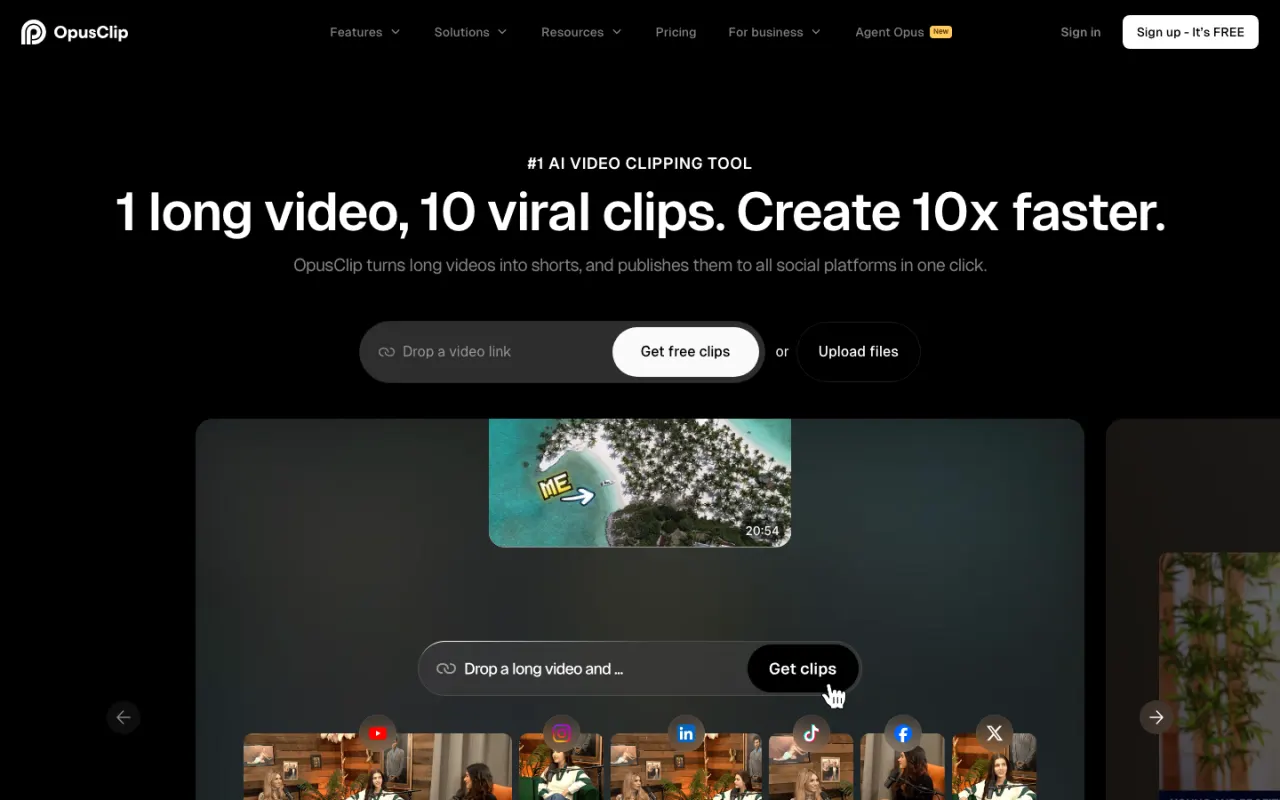
If Kapwing's Repurpose Studio and Clip Maker are the only features you use, OpusClip is a purpose-built, category-leading replacement: it finds hook-worthy moments in long-form video, reframes vertical with face-tracking, scores each clip for virality, and posts direct to Shorts/TikTok/Instagram. Its free tier is a genuine ongoing 60 processing minutes/month — six times more evaluation runway than Kapwing's one-time, one-minute-capped free credits — and paid plans start at $15/mo Starter, cheaper than Kapwing's $16/mo Pro for a narrower but deeper feature set.

Best for: Podcasters and media teams whose only real use of Kapwing is turning long recordings into short clips.

Pricing: Prices verified July 2026 on opus.pro/pricing (annual view): Free 60 min/mo, Starter $15/mo (monthly billing only) for 150 min, Pro $29/mo monthly or $14.50/mo billed yearly ($174 billed annually) for 300 min/mo (3,600 credits pooled across the year on annual).
2

Descript

4.3Best for transcript-based editing precision

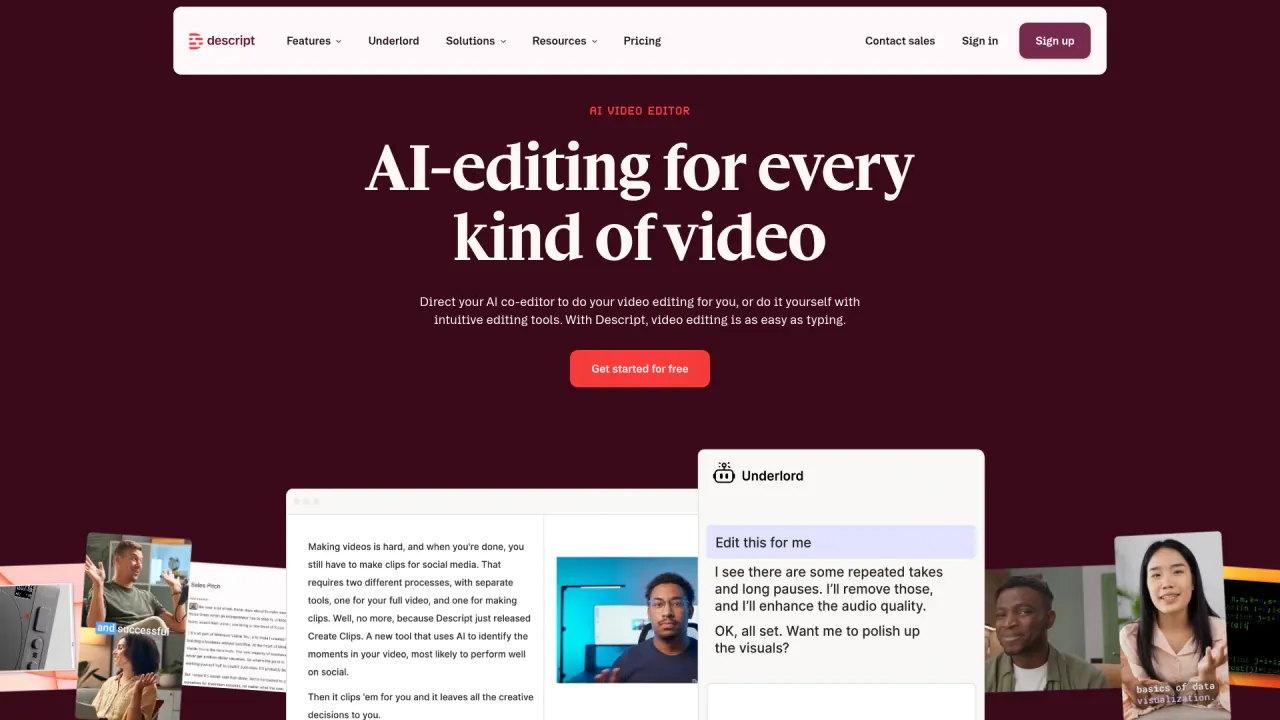
Descript replaces Kapwing's timeline with a transcript: delete a sentence and the video cuts itself, backed by an Underlord AI assistant that chains instructions (remove filler, tighten pauses, caption, pull clips) more capably than Kapwing's separate AI tools. Its voice cloning (Overdub) is more mature than Kapwing's Business-tier voice cloning, though it costs more to unlock at Descript's own credit-metered upper tiers. Entry is $16/mo billed annually for Hobbyist, close to Kapwing's $16/mo Pro.

Best for: Podcasters and YouTubers who want the fastest possible edit of talk-driven content, not a broader AI toolkit.

Pricing: Prices verified July 2026 on descript.com/pricing. Two meters matter: media hours (transcription/editing time you can ingest) and AI credits (what Underlord and AI tools consume) — heavy AI users on Hobbyist's 400 credits will feel the ceiling before the hour cap.

3

VEED

4.2Best caption quality alone

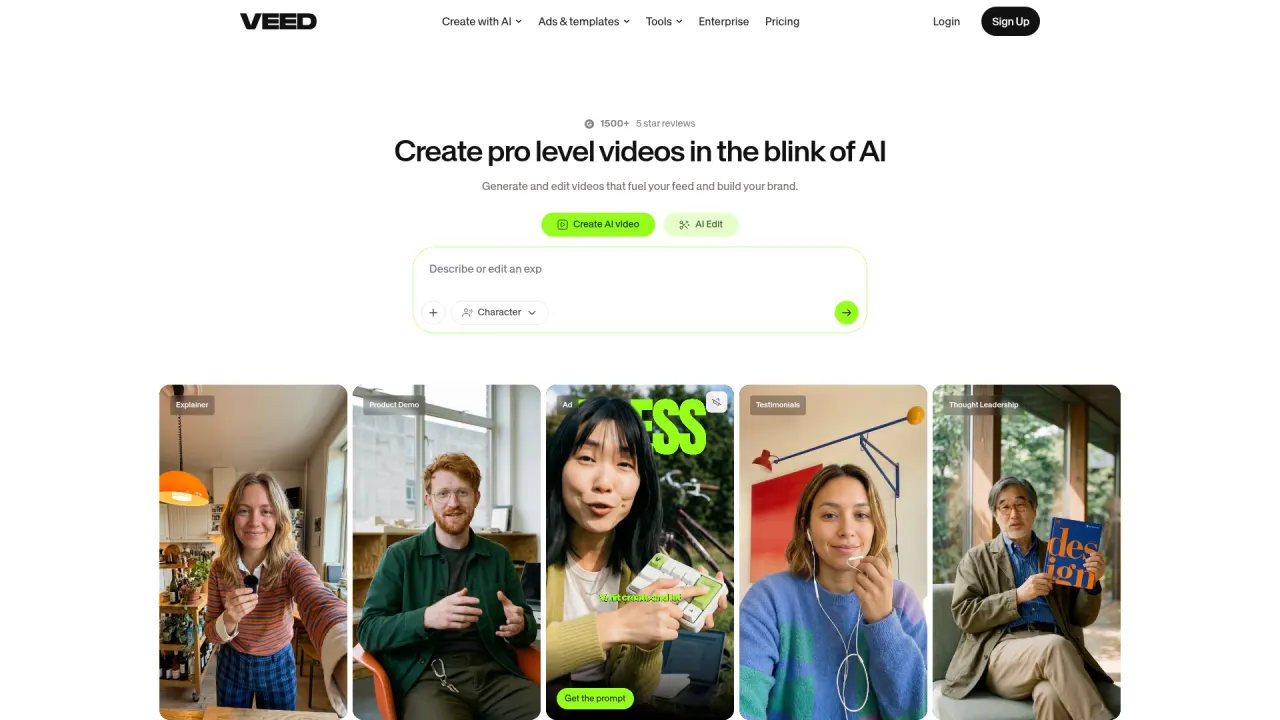
VEED's auto-caption engine is the deepest in the category — faster, more accurate across accents, and with more styling templates than Kapwing's subtitler — plus a one-tab studio (screen recorder, teleprompter, eye-contact correction) that covers common Kapwing use cases without the multi-metric credit system. Entry is $12/user/mo billed yearly, similar to Kapwing's Pro, though VEED's AI credits pool annually rather than monthly and can be harder to track for heavy avatar/dubbing use.

Best for: Teams whose primary Kapwing use is captioning and basic social-video polish, not the broader AI toolkit.

Pricing: Prices verified July 2026 on veed.io/pricing (annual billing, per user). Monthly billing costs meaningfully more — VEED advertises savings of up to ~50% for going annual; check the monthly toggle on the vendor site. Note the credits are an annual pool, not monthly, and don't roll past renewal.

4

Submagic

3.8Best for multilingual caption breadth

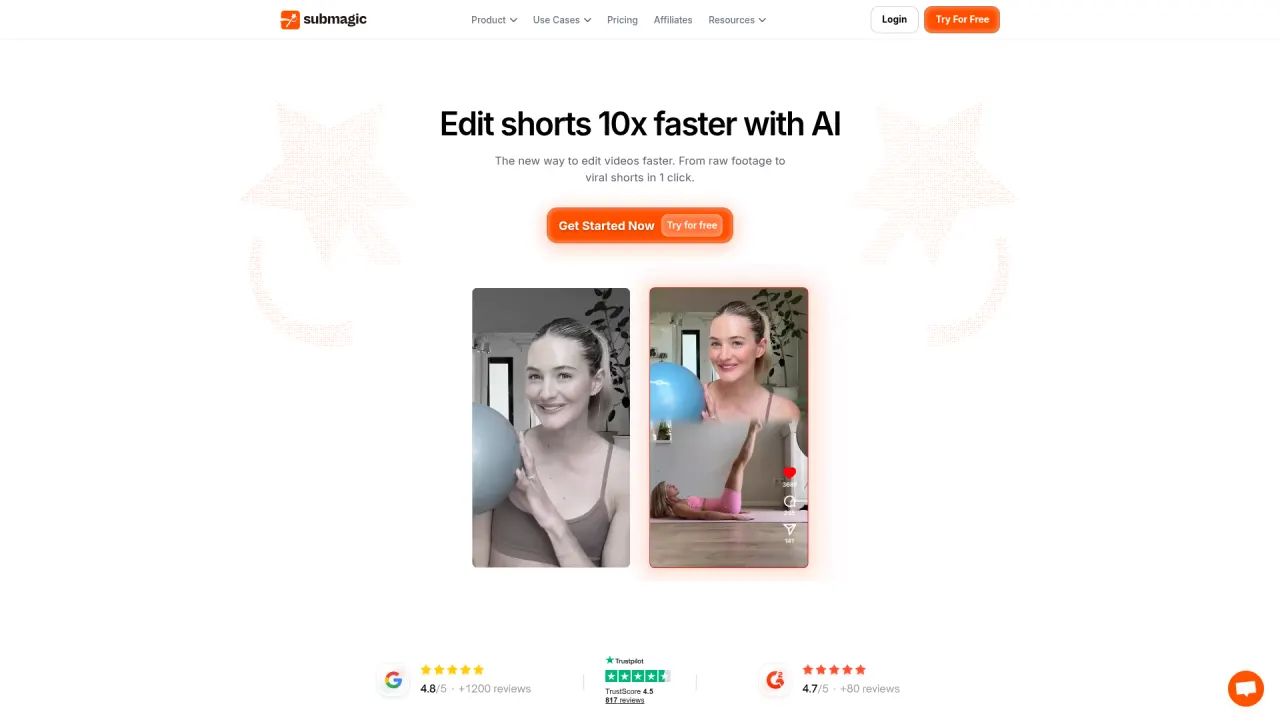
Submagic's caption engine covers 123 languages at a claimed 99% accuracy — meaningfully broader than Kapwing's subtitling coverage — plus AI hook titles, clean audio, and bad-take removal bundled from its $39/mo Pro tier (billed yearly). Its flat video-count pricing (15/40/100 videos per month by tier, each with a length cap) is simpler to reason about than Kapwing's shared credit pool, though long-form repurposing is a separate $19/mo add-on rather than included.

Best for: Creators publishing across many languages who want best-in-class captions plus AI editing shortcuts.

Pricing: Prices verified July 2026 on submagic.co/pricing, which defaults to the annual-billing view ("41% Annual Discount"): Starter $19/mo, Pro $39/mo, Business+API $69/mo, all billed yearly. Monthly billing is roughly double for Starter/Pro ($38/$58) and steeper still for Business ($120/mo, or $69/mo only once billed yearly — the monthly-billing sticker for Business shown on the pricing page is $120/mo, not a simple 2x multiple). A separate Magic Clips add-on is +$19/mo per member on any tier for 10 repurposed long videos/month. Extra API minutes are sold in packs from $75/mo (500 min) up to $1,000/mo (10,000 min).

5

Prizmad

Best if your real problem is no source footage to edit

Honest framing: Prizmad is not a video editor and can't replace Kapwing's timeline, dubbing, or clip repurposing for footage you already have. It's on this list for the DTC marketer who came to Kapwing looking for 'AI avatars to make ads without filming' and found a single reusable Character Consistency persona rather than a dedicated ad-creation pipeline. Paste a product URL and in about 5 minutes Prizmad generates a finished UGC-style ad — script, one of 50+ AI avatars, AI voiceover, captions, and music — from $19/mo with published token math (Starter $99/mo covers ~16-20 videos) and full commercial rights.

Best for: DTC founders and media buyers who don't have footage to edit and need ad creative generated from a product page instead.

Pricing: Launch $19/mo (30 tokens), Starter $99/mo (80 tokens, ~16-20 videos), Pro $249/mo (350 tokens) — published per-video token math, full commercial rights on every plan.

At a glance

Quick comparison

ToolOur ratingPaid plans fromBest for
OpusClip4.1/5$0Podcasters and media teams whose only real use of Kapwing is turning long recordings into short clips.
Descript4.3/5$0Podcasters and YouTubers who want the fastest possible edit of talk-driven content, not a broader AI toolkit.
VEED4.2/5$0Teams whose primary Kapwing use is captioning and basic social-video polish, not the broader AI toolkit.
Submagic3.8/5$19/mo billed yearly ($38/mo billed monthly)Creators publishing across many languages who want best-in-class captions plus AI editing shortcuts.
Prizmad$19/moDTC founders and media buyers who don't have footage to edit and need ad creative generated from a product page instead.

Ratings and prices come from our hands-on reviews, verified against vendor pricing pages — see each linked review for the full breakdown and capture-dated screenshots.

Or Skip the Shortlist — Test Prizmad on a Real Ad, Free

Paste any product URL, get a finished UGC video ad in about 5 minutes. Reading lists is useful; running your own brief is decisive.

Fair play

Who should stay on Kapwing?

Kapwing remains the right pick for teams that genuinely need both a full timeline editor and a broad AI toolkit in one workspace — its trusted-by roster (Spotify, Google, Dyson, Harvard, Verizon) suggests it holds up at real organizational scale, and consolidating script generation, video generation, dubbing, and clip repurposing into one product avoids juggling five subscriptions for teams that use several of those features regularly.

Stay if you value that breadth over any single specialist tool's depth, or if your team is already invested in Kapwing's Business tier for voice cloning and lip sync. Look elsewhere if your actual use is narrow (pure clipping, pure captioning, or pure transcript editing) and a specialist beats Kapwing at that one job, if the 1-minute free-export cap makes real evaluation impossible, or if your actual need is originating ad creative from a product URL rather than editing footage you already have.

Undecided? Read our full Kapwing review — verified pricing, pros and cons, and who it actually fits.

FAQ

Kapwing alternatives — common questions

What is the best Kapwing alternative in 2026?

It depends on which Kapwing feature you rely on most: OpusClip for pure long-to-short clipping (from $15/mo, genuine 60 min/mo free tier), Descript for transcript-based editing precision (from $16/mo billed annually), VEED for best-in-class captions alone (from $12/user/mo billed yearly), and Submagic for the broadest multilingual caption coverage (123 languages, from $19/mo billed yearly). None fully replicates Kapwing's single-workspace breadth.

Is there a free Kapwing alternative?

Yes, and most offer more evaluation runway than Kapwing's own free tier (10 credits, 1-minute export cap, 720p, watermarked). OpusClip's free plan is a genuine ongoing 60 processing minutes/month, and VEED and Descript both offer usable free tiers for basic editing and captions, though all still watermark or cap output short of publishing-grade.

Why do people switch away from Kapwing?

The most common reasons: a shared monthly credit pool that meters several AI feature types together (subtitling, dubbing, TTS minutes) without a clear combined burn-rate view, a thin free tier (1-minute export cap) that makes real evaluation hard, and AI tools that are broad rather than best-in-class at any single specialist job like clipping or captioning. Teams that use Kapwing's full breadth regularly tend to stay; teams using it for one narrow task usually find a cheaper or deeper specialist.

Kapwing vs OpusClip — which is better?

OpusClip wins on pure clip-selection quality and virality scoring for long-form repurposing, with a genuinely generous 60 min/mo free tier versus Kapwing's 1-minute-capped credits. Kapwing wins on breadth — it's a full timeline editor with script generation, video generation, and dubbing bundled in, which OpusClip doesn't offer at all. Pick OpusClip if clipping is your only need; pick Kapwing if you want one workspace for editing plus AI.

Which Kapwing alternative is best for making video ads?

Prizmad — with the caveat that it's a different category, not a general editor. It generates a finished UGC-style ad from a product URL in about 5 minutes (script, avatar, voiceover, captions, music) rather than editing or repurposing footage you already have. If you have source footage and want a broader AI toolkit like Kapwing's, stick with Kapwing, Descript, or Submagic instead.

Keep reading

Related comparisons