New AI models in AI Studio

Try Now
PRIZMAD
Alternatives

Top 5 Descript Alternatives in 2026 (Tested & Priced)

By Prizmad Team, EditorialLast reviewed: 2026-07-315 tools compared

The best Descript alternative depends on why you're leaving. VEED is the strongest all-round pick if you want a browser timeline editor with best-in-class captions from $12/user/mo billed yearly. Captions wins for phone-first talking-head creators who want AI Edit to build the whole cut for $9.99/mo. OpusClip is the pick if Descript's job for you is only turning long recordings into shorts. Runway fits teams who've outgrown transcript editing and want generative motion graphics. Prizmad makes the list for one buyer only: teams using Descript to hand-assemble product ad creative — everyone editing podcasts, interviews, or course content should stay put.

Context

Why people look for Descript alternatives

Descript's transcript-editing model is still the fastest way to cut talk-driven video, and most people who buy it for podcasts or YouTube never look elsewhere. The people who go looking for alternatives usually hit one of three walls. First, the dual-meter pricing: every plan caps both media hours (10-40/mo) and a separate pool of AI credits (400-1,500/mo) that Underlord, voice cloning, clip-finding, and video generation all draw from — burn through the credit pool mid-month on a heavy editing week and the meter, not the media-hours cap, is what stops you.

Second, Descript is built around footage you already have. It transcribes, then you edit — it does not start from a product URL, write ad copy, or generate a UGC-style presenter pitching a product from scratch. Teams that bought it hoping for an ad generator run into this immediately: the AI avatar and Generate Video features exist, but they're editing conveniences layered onto a document-style editor, not a pipeline.

Third, caption styling and social-native output are secondary here. Descript's captions are functional but thinner than VEED's or Captions' template libraries, and its clip-finding (Underlord scanning long recordings for shorts) competes with, but doesn't clearly beat, dedicated tools like OpusClip. Depending on whether your pain is the credit math, the missing ad-generation layer, or weaker captions/clipping, the right alternative is a browser editor, a mobile-first AI editor, a repurposing tool, a generative suite, or an ad pipeline.

The list

The best Descript alternatives, ranked

1

VEED

4.2Best overall Descript alternative

VEED trades Descript's transcript-first model for a conventional browser timeline, but wins on the thing most editors actually ship daily: captions. Its auto-caption engine is the deepest in the category — fast, accurate across accents, unlimited on paid plans, with more styling options than Descript offers — and it adds a one-tab studio (screen recorder, teleprompter, eye-contact correction, noise removal) that covers most of what solo creators use Descript for. Entry is $12/user/mo billed yearly ($147 upfront); the credit system is similar in shape to Descript's (an annual AI-feature pool, 6,000 credits on Creator) rather than genuinely simpler.

Best for: Editors who live and die by caption quality and want a familiar timeline instead of transcript-based cutting.

Pricing: Prices verified July 2026 on veed.io/pricing (annual billing, per user). Monthly billing costs meaningfully more — VEED advertises savings of up to ~50% for going annual; check the monthly toggle on the vendor site. Note the credits are an annual pool, not monthly, and don't roll past renewal.

2

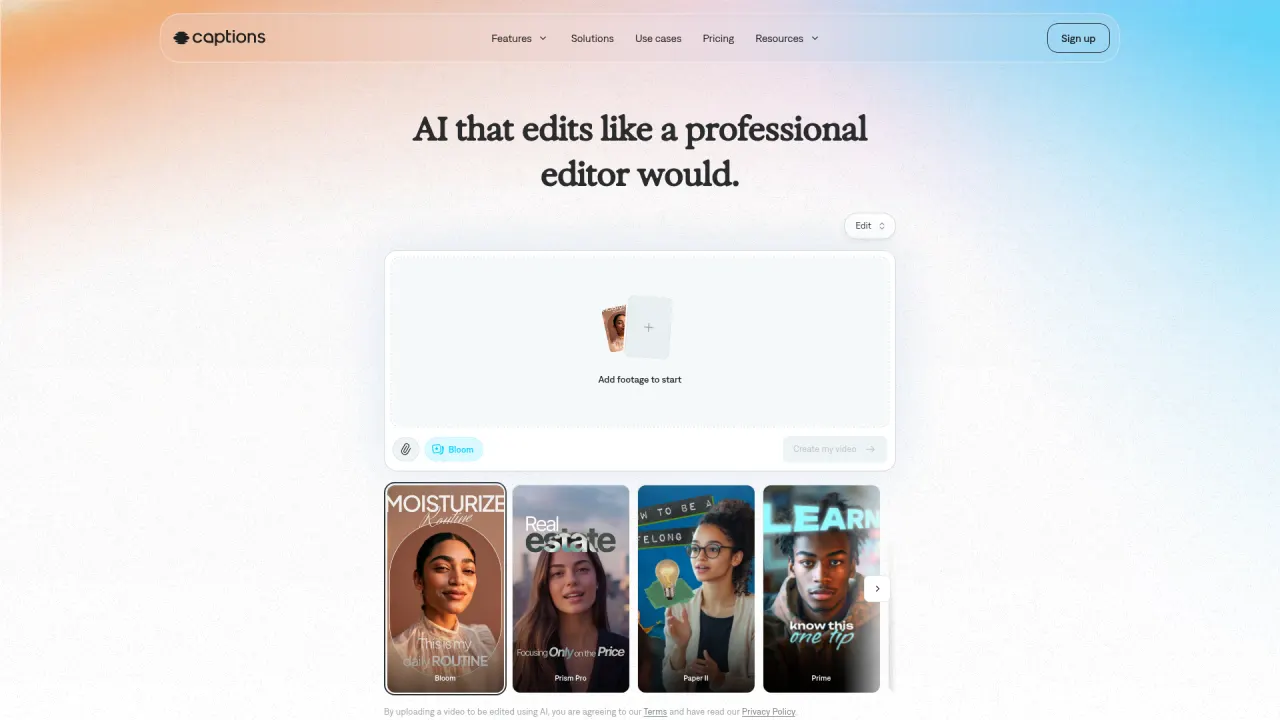
Captions

4.2Best mobile-first AI editor for talking-head video

Captions automates the exact job Descript's Underlord assists with: upload raw talking-head footage and AI Edit returns a finished cut — zooms, B-roll, music, styled captions — refinable through a chat editor, no transcript-scrubbing required. Its correction tools (eye contact, denoise, silence trimming) rescue imperfect takes the way Descript's do, and entry pricing undercuts Descript at $9.99/mo for 200 credits, though the strongest generative models sit on $69.99+ tiers.

Best for: Solo creators and social teams filming on a phone who want the edit done automatically rather than assisted.

Pricing: Prices verified July 2026 on captions.ai/pricing and the Captions help center (the $9.99 Basic tier — formerly 'Pro' — appears in the help docs rather than the main pricing page). Annual billing is offered at a discount, but Captions doesn't publish the annual rates — see the vendor site at checkout. Credits roll over up to 3x your monthly allowance.

3

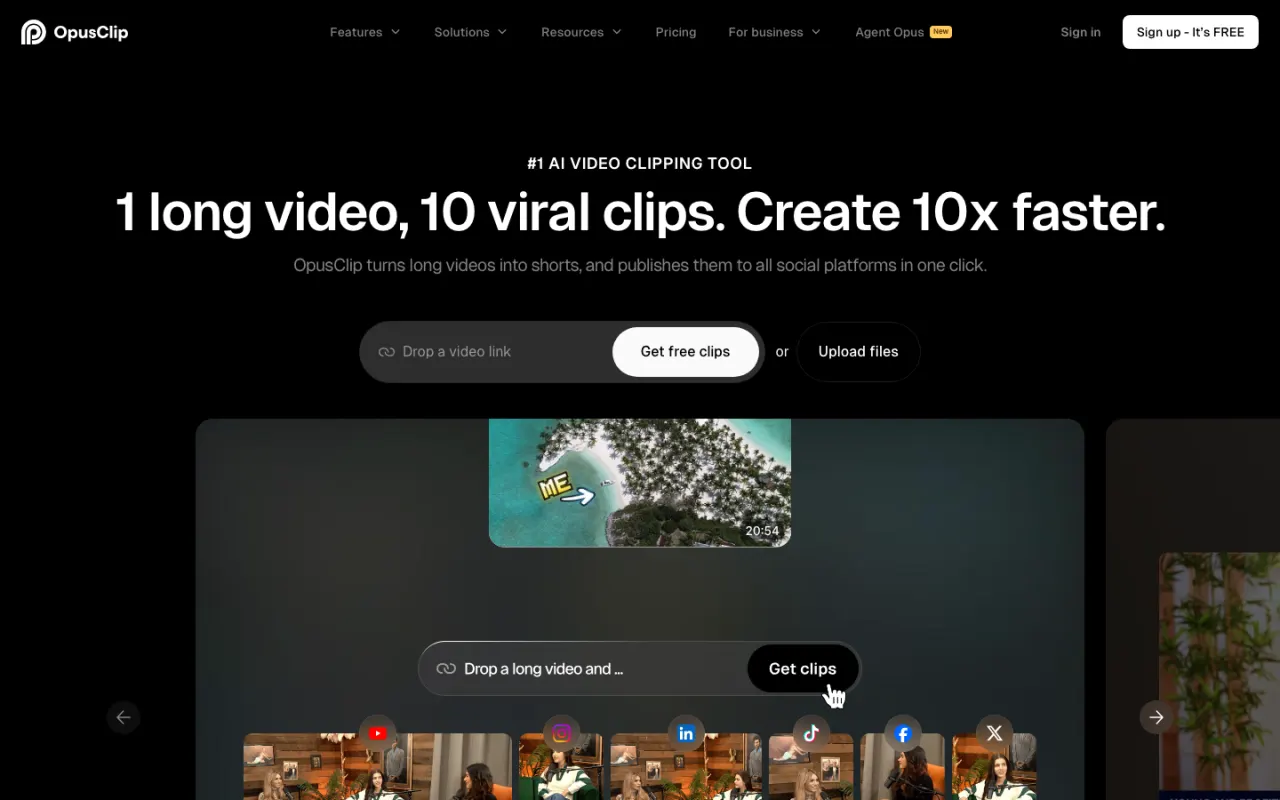
OpusClip

4.1Best for turning long recordings into shorts

If the only Descript feature you use is long-to-short clipping, OpusClip is a cleaner, purpose-built replacement: it finds hook-worthy moments in long-form video, reframes them vertical, captions them, scores each clip for virality, and posts direct to Shorts/TikTok/Instagram. Pricing is flat rather than a dual meter — free 60 min/mo, $15/mo Starter, $29/mo Pro ($14.50/mo billed yearly with 3,600 minutes pooled annually) — but it has no transcript editor, no recording tools, and no podcast workflow at all.

Best for: Podcasters and streamers whose only need from an editor is mining long recordings for social clips at volume.

Pricing: Prices verified July 2026 on opus.pro/pricing (annual view): Free 60 min/mo, Starter $15/mo (monthly billing only) for 150 min, Pro $29/mo monthly or $14.50/mo billed yearly ($174 billed annually) for 300 min/mo (3,600 credits pooled across the year on annual).

4

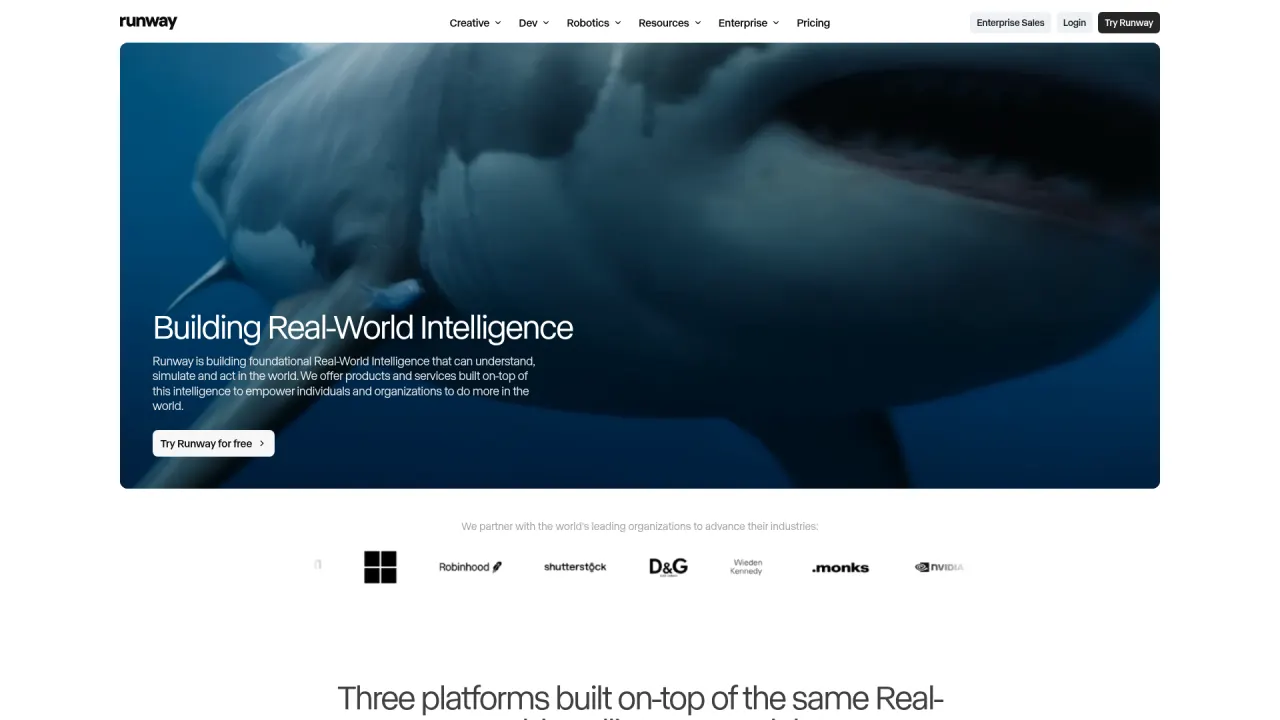
Runway

4.3Best for generative motion graphics beyond talk-editing

Runway is the pick once your work stops being 'cut down recorded footage' and starts being 'generate footage that doesn't exist yet' — Gen-4.5 video, image generation, and model access (Kling 3.0, Nano Banana Pro) that Descript has no equivalent for. Entry is $15/mo ($12/mo annual) for 625 credits, about 50 seconds of flagship Gen-4.5 video a month — cheap to start, expensive to run at real volume, and it has no transcript-based editing or podcast recording stack at all.

Best for: Creative teams and agencies who need generated footage and motion graphics, not edited recordings.

Pricing: Prices verified July 2026 on runwayml.com/pricing. The headline $12-15/mo is honest but small: at 60 credits per 5-second Gen-4.5 clip, Standard's 625 credits are ~50 seconds of flagship video a month, and Aleph 2.0 editing burns 140 credits per 5 seconds.

5

Prizmad

Best if you're building ad creative in Descript by hand

Honest framing: Prizmad is not an editor and can't replace Descript for podcasts, interviews, or course content. It's here for the team using Descript's AI avatars and Generate Video features to hand-assemble UGC-style product ads — scripting, sourcing an AI presenter, captioning, and mixing every variant manually. Prizmad automates that entire pass: paste a product URL and get a finished ad — script, one of 50+ avatars, voiceover, captions, music — in about 5 minutes, from $19/mo with published token math (Starter $99/mo covers ≈16-20 videos) and full commercial rights.

Best for: DTC founders and media buyers whose Descript sessions are really ad-production sessions, not podcast edits.

Pricing: Launch $19/mo (30 tokens), Starter $99/mo (80 tokens, ~16-20 videos), Pro $249/mo (350 tokens) — published per-video token math, full commercial rights on every plan.

At a glance

Quick comparison

ToolOur ratingPaid plans fromBest for
VEED4.2/5$0Editors who live and die by caption quality and want a familiar timeline instead of transcript-based cutting.
Captions4.2/5$0Solo creators and social teams filming on a phone who want the edit done automatically rather than assisted.
OpusClip4.1/5$0Podcasters and streamers whose only need from an editor is mining long recordings for social clips at volume.
Runway4.3/5$0Creative teams and agencies who need generated footage and motion graphics, not edited recordings.
Prizmad$19/moDTC founders and media buyers whose Descript sessions are really ad-production sessions, not podcast edits.

Ratings and prices come from our hands-on reviews, verified against vendor pricing pages — see each linked review for the full breakdown and capture-dated screenshots.

Or Skip the Shortlist — Test Prizmad on a Real Ad, Free

Paste any product URL, get a finished UGC video ad in about 5 minutes. Reading lists is useful; running your own brief is decisive.

Fair play

Who should stay on Descript?

Stay on Descript if your source material is people talking — podcasts, interviews, YouTube videos, course content, webinar repurposing. Transcript editing is genuinely 5-10x faster than timeline scrubbing for this content, Underlord's chained-instruction editing (remove filler, tighten pauses, add captions, pull clips) is the most agentic editing AI shipping today, and Rooms plus Studio Sound close the loop from remote recording to clean audio to publish in one tool. At $16-35/mo for individuals (Hobbyist/Creator, billed annually) it remains excellent value for that workflow.

The people who should leave are teams whose AI usage burns through the credit pool faster than the media-hours cap, anyone who needs caption styling deeper than Descript's library, creators whose only use is long-to-short clipping, teams that need generated footage rather than edited recordings, and anyone hand-building ad creative that a URL-to-ad pipeline could generate in minutes instead.

Undecided? Read our full Descript review — verified pricing, pros and cons, and who it actually fits.

FAQ

Descript alternatives — common questions

What is the best Descript alternative in 2026?

VEED is the best all-round Descript alternative for most editors: a browser timeline with the deepest caption engine in the category, from $12/user/mo billed yearly. Captions is the better pick for phone-first talking-head creators at $9.99/mo, OpusClip for pure long-to-short clipping at $15/mo, and Runway if you need generated footage rather than edited recordings.

Is there a free Descript alternative?

Yes. VEED's free plan and Captions' free tier both cover basic editing and captions without cost, and OpusClip's free plan includes a genuinely useful 60 processing minutes a month. All three watermark or cap exports the same way Descript's own free plan does (60 media minutes, watermarked 720p) — none is a viable free path to publishing-grade output.

Why do people switch away from Descript?

Three reasons dominate: a dual meter of media hours plus a separate AI-credit pool (400-1,500/mo) that heavy Underlord use can exhaust before the hours cap, no path from a product URL or brief to a finished ad — Descript only edits footage you already recorded — and caption/clipping quality that trails category specialists like VEED and OpusClip. Podcasters and YouTubers editing their own recordings mostly stay; teams that expected an ad generator are the ones who leave.

Descript vs VEED — which is better?

Descript for editing speed on talk-driven content — transcript editing plus Underlord automation beats timeline work for podcasts and interviews — and for its recording stack (Rooms, Studio Sound). VEED for caption quality and styling and quick social-video turnaround. Price is close ($16/mo Descript Hobbyist annual versus $12/user/mo VEED Creator annual), so pick by workflow: transcript-first or timeline-first.

What's the cheapest Descript alternative?

Captions, at $9.99/mo for 200 credits — below Descript's $16/mo annual Hobbyist floor — covering correction tools, voiceover generation, and the full caption template library, with a free plan underneath. OpusClip's $15/mo Starter is close behind. All three, like Descript, meter usage in credits or minutes rather than charging flat.

Which Descript alternative is best for making video ads?

Prizmad — with the caveat that it's an ad pipeline, not an editor, so it replaces the ad-assembly use of Descript rather than Descript itself. Paste a product URL and it returns a finished UGC-style ad (script, avatar, voiceover, captions, music) in about 5 minutes, from $19/mo with full commercial rights. If you want to keep editing manually with better captions than Descript's, VEED feeds clips into the same workflow — but the assembly work stays yours.

Keep reading

Related comparisons