New AI models in AI Studio

Try Now
PRIZMAD
Alternatives

Top 5 Captions Alternatives in 2026 (Tested & Priced)

By Prizmad Team, EditorialLast reviewed: 2026-08-075 tools compared

The best Captions alternative depends on what you're actually editing: Descript is the stronger pick if you're also cleaning up long-form recordings and want transcript-based editing, VEED if you want a deeper browser timeline without a mobile-first design, and HeyGen if the Mirage avatars are what drew you in and you want the more realistic avatar engine instead. Opus Clip is the specialist if your real job is finding viral moments in long footage rather than editing your own talking-head clips. Prizmad rounds out the list for the DTC marketer who used Captions to edit ad drafts and discovered the actual bottleneck is scripting and assembling the ad, not the edit itself.

Context

Why people look for Captions alternatives

Captions is a strong mobile-first editor — AI Edit genuinely automates talking-head editing, and its Mirage-powered avatars are unusually expressive — but the credit economics are the most common reason people shop around. Generative features (AI Edit styles, avatar generation, custom B-roll) all draw from a shared monthly credit pool, and heavy use pushes budgets toward the $69.99+/mo Scale tiers fast. The public pricing page also only clearly shows Max and Scale — the $9.99/mo Basic tier is easy to miss, and Captions doesn't publish its annual rates at all, which makes it harder to compare against competitors that show a discounted yearly price upfront.

The second friction point is scope: Captions edits footage you upload or generates avatar clips from scripts you write, but it doesn't handle anything upstream of that — no product research, no ad copywriting, no shot-by-shot assembly from a product page. For creators publishing organic talking-head content that's rarely an issue; for marketing teams trying to turn Captions into an ad-production pipeline, the scripting and assembly work stays manual around every clip.

And the most sophisticated generative models specifically are gated behind Scale plans, so anyone evaluating Captions on an entry tier isn't seeing the platform at its best — which is a real reason to look at a competitor whose top-tier quality is visible at a lower price point, or whose category is closer to the actual job you need done.

The list

The best Captions alternatives, ranked

1

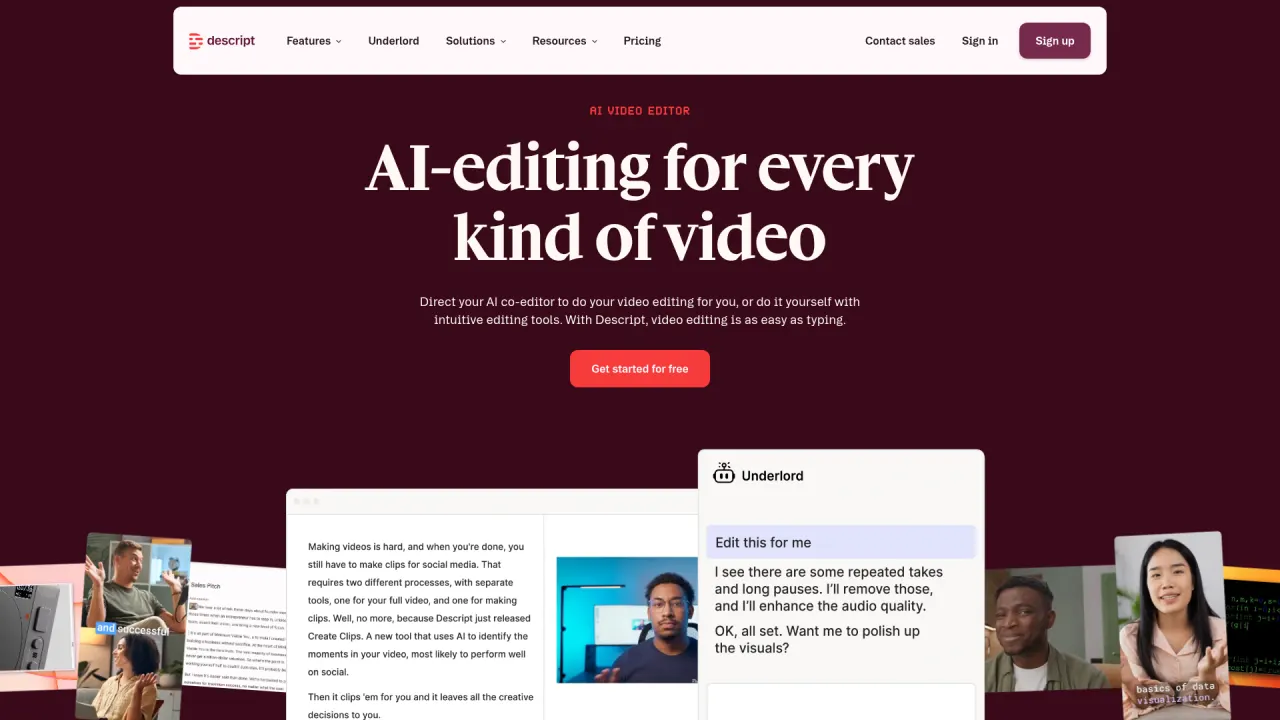
Descript

4.3Best if you also edit long-form recordings

Descript replaces Captions's timeline-adjacent editing with true transcript editing: delete a sentence in the text and the video cuts itself, which is faster than Captions's AI Edit workflow when you're polishing a podcast, interview, or webinar recording rather than a short talking-head clip. Its Underlord AI assistant chains instructions the way Captions's chat-based editor does, and entry runs $24/mo ($16/mo billed annually) for Hobbyist — below Captions's Basic tier once you factor in that Captions doesn't publish annual pricing at all.

Best for: Podcasters and YouTubers who edit their own long-form recordings and want clipping and cleanup in the same tool.

Pricing: Prices verified July 2026 on descript.com/pricing. Two meters matter: media hours (transcription/editing time you can ingest) and AI credits (what Underlord and AI tools consume) — heavy AI users on Hobbyist's 400 credits will feel the ceiling before the hour cap.
2

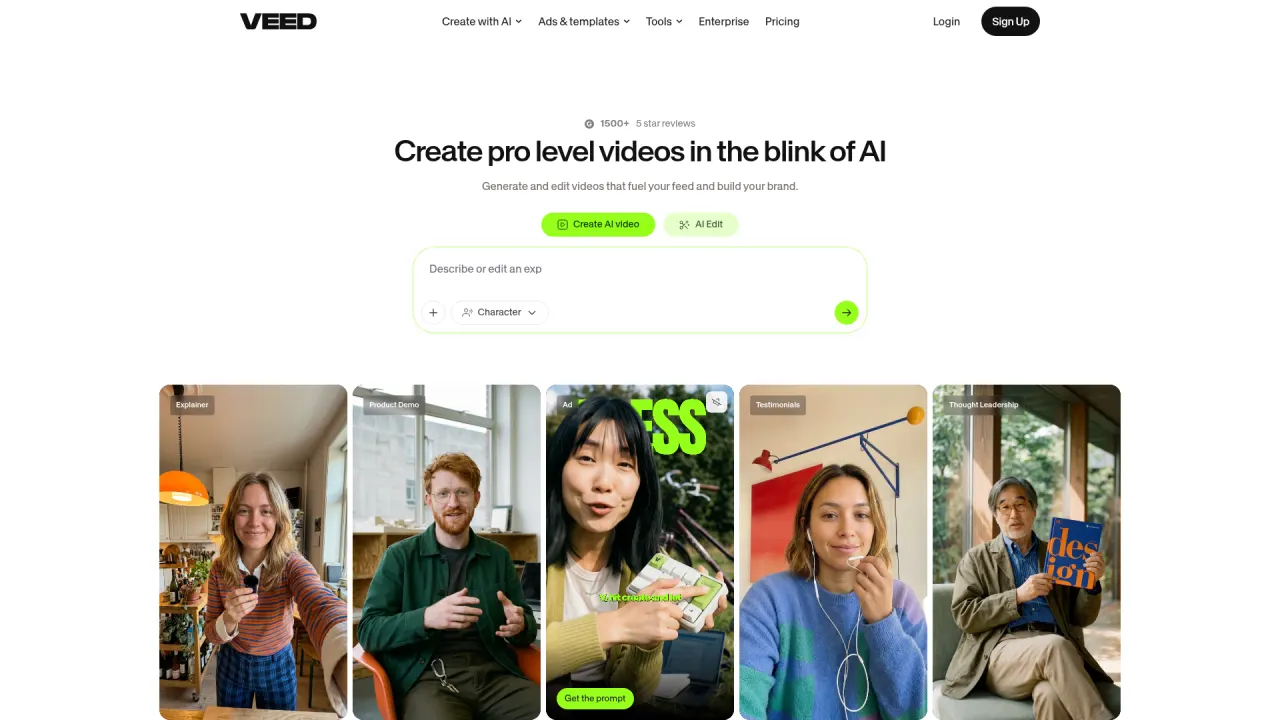
VEED

4.2Deeper browser timeline, same AI feature set

VEED covers similar ground to Captions — AI avatars, auto-captions, subtitle styling, dubbing — inside a genuinely deep browser timeline editor rather than Captions's mobile-first, largely automated workflow. VEED's caption engine in particular is best-in-class and license-worthy (other products license it). Pricing runs $12/user/mo Creator billed yearly, comparable to Captions's Basic tier, though VEED's AI features draw from an annual credit pool that expires at renewal rather than Captions's rolling monthly credits.

Best for: Editors who want manual timeline control alongside AI features, not a largely automated mobile-first workflow.

Pricing: Prices verified July 2026 on veed.io/pricing (annual billing, per user). Monthly billing costs meaningfully more — VEED advertises savings of up to ~50% for going annual; check the monthly toggle on the vendor site. Note the credits are an annual pool, not monthly, and don't roll past renewal.

3

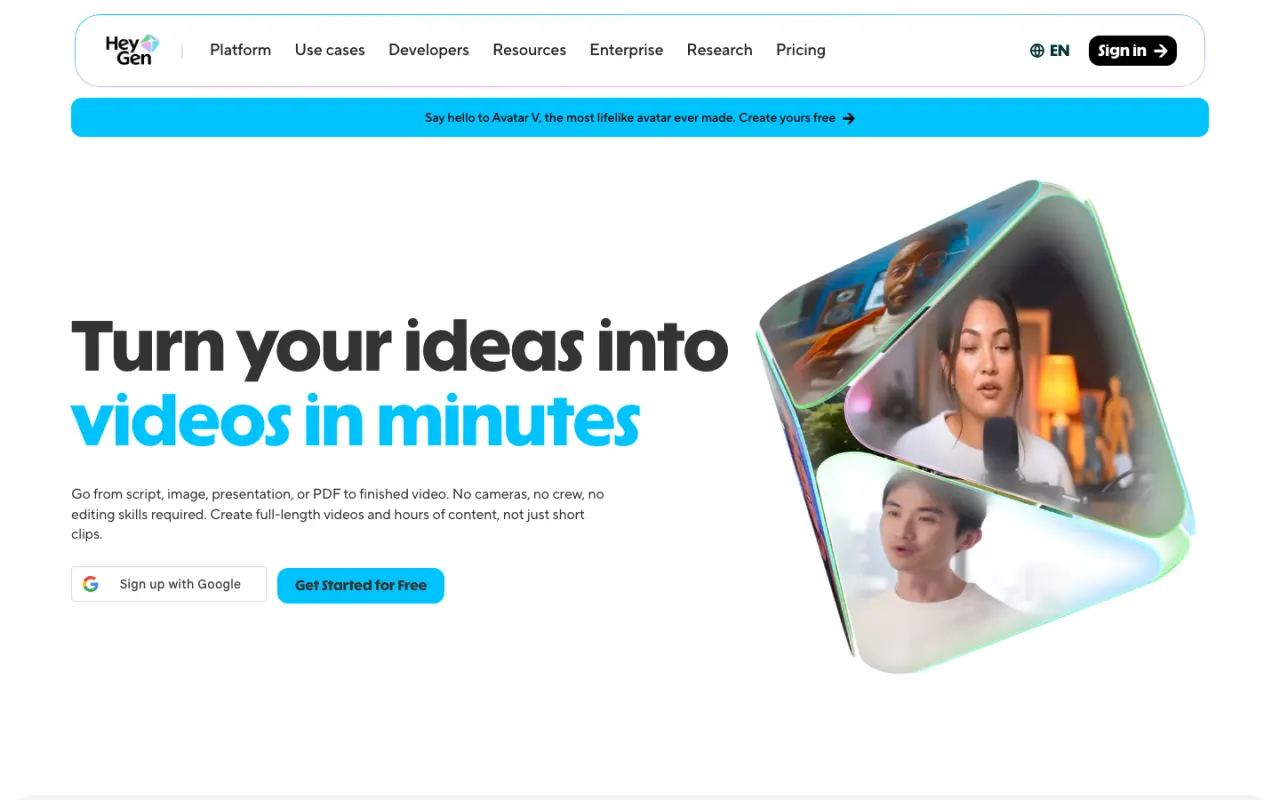
HeyGen

4.4Best for avatar realism specifically

Captions's Mirage-powered avatars are unusually expressive for a consumer editing app, but HeyGen's Avatar IV/V engine still renders more convincing micro-expressions and lip-sync at the top of the category, backed by a 1,200+ avatar library against Captions's more limited set. Entry runs $29/mo (Creator) credit pricing — pricier than Captions's $9.99 Basic tier — but if avatar realism carries the video rather than editing automation, HeyGen is the specialist.

Best for: Teams whose Captions usage is mostly avatar generation and want the more realistic rendering engine.

Pricing: Prices verified July 2026 on heygen.com/pricing. Headline prices look cheap, but budget in credits: flagship Avatar IV/V video costs 20 credits/min, so Creator's 600 credits equal about 30 minutes of top-tier avatar footage per month.

4

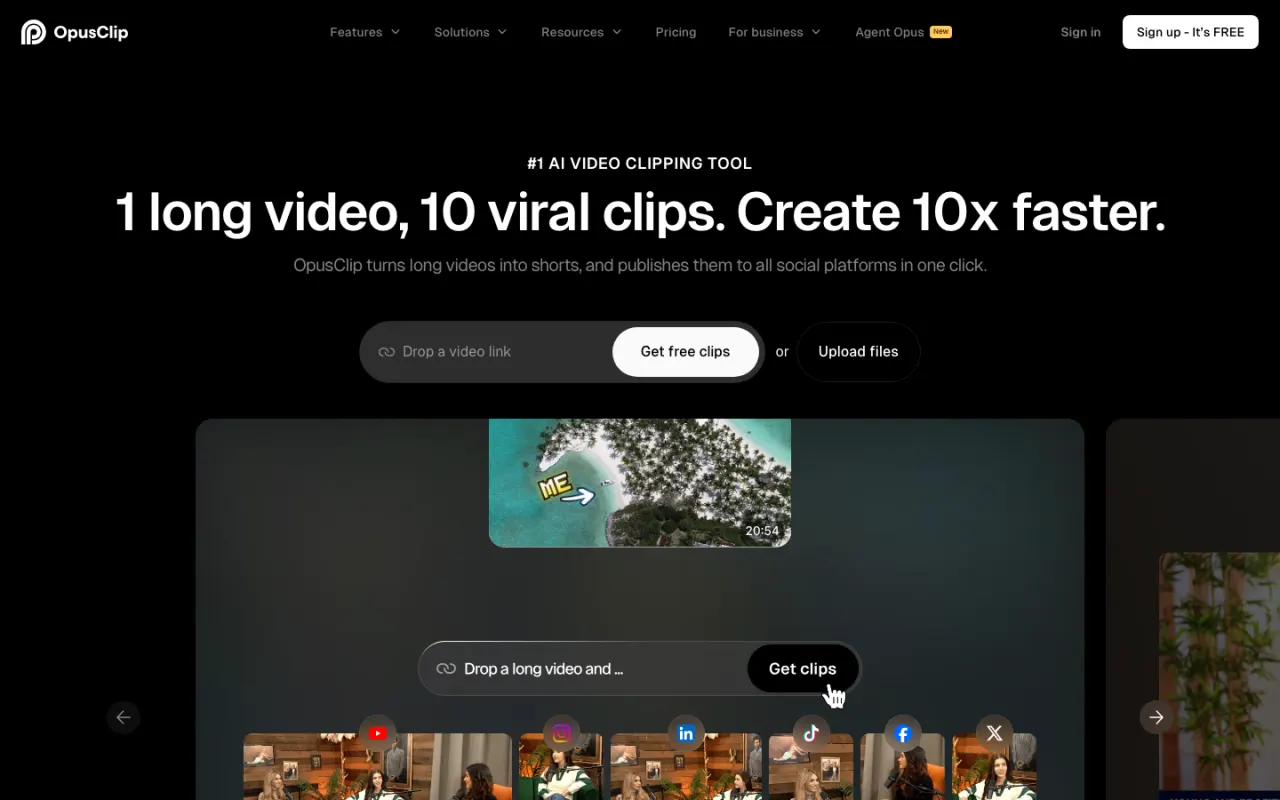
OpusClip

4.1Best for mining long footage, not editing your own clips

If your actual workflow is 'find the good moments in a long recording' rather than 'edit footage I already shot as a short clip,' Opus Clip is the more specialized tool: it finds hook-worthy moments in long-form video, reframes them vertical, and ranks each clip with a virality score, at a flat and transparent price ($15/mo Starter, $29/mo Pro, or $14.50/mo billed yearly) rather than Captions's credit-metered generation. It's repurposing-only — no avatar generation, no AI Edit-style automatic styling of talking-head footage.

Best for: Podcasters and B2B teams mining long recordings for social clips at volume, rather than editing footage they filmed specifically for a single short.

Pricing: Prices verified July 2026 on opus.pro/pricing (annual view): Free 60 min/mo, Starter $15/mo (monthly billing only) for 150 min, Pro $29/mo monthly or $14.50/mo billed yearly ($174 billed annually) for 300 min/mo (3,600 credits pooled across the year on annual).

5

Prizmad

Best if your real bottleneck is scripting and assembly, not editing

Honest framing: Prizmad doesn't edit your own footage the way Captions does — no AI Edit, no eye-contact correction, no denoise. It's on this list for the marketing team that used Captions to edit or generate avatar-led ad drafts and kept hitting the same wall: the script, product framing, and final assembly were still manual work around every clip. Paste a product URL and in about 5 minutes Prizmad generates a finished UGC-style ad — script written from the page, one of 50+ AI avatars, voiceover, captions, and music already composited — from $19/mo with published token math (Starter $99/mo covers ~16-20 videos) and full commercial rights.

Best for: DTC founders and media buyers whose Captions sessions were really ad-production sessions, not organic content edits.

Pricing: Launch $19/mo (30 tokens), Starter $99/mo (80 tokens, ~16-20 videos), Pro $249/mo (350 tokens) — published per-video token math, full commercial rights on every plan.

At a glance

Quick comparison

ToolOur ratingPaid plans fromBest for
Descript4.3/5$0Podcasters and YouTubers who edit their own long-form recordings and want clipping and cleanup in the same tool.
VEED4.2/5$0Editors who want manual timeline control alongside AI features, not a largely automated mobile-first workflow.
HeyGen4.4/5$0Teams whose Captions usage is mostly avatar generation and want the more realistic rendering engine.
OpusClip4.1/5$0Podcasters and B2B teams mining long recordings for social clips at volume, rather than editing footage they filmed specifically for a single short.
Prizmad$19/moDTC founders and media buyers whose Captions sessions were really ad-production sessions, not organic content edits.

Ratings and prices come from our hands-on reviews, verified against vendor pricing pages — see each linked review for the full breakdown and capture-dated screenshots.

Or Skip the Shortlist — Test Prizmad on a Real Ad, Free

Paste any product URL, get a finished UGC video ad in about 5 minutes. Reading lists is useful; running your own brief is decisive.

Fair play

Who should stay on Captions?

Captions remains one of the best values in AI video editing for creators who film themselves and publish short-form content: AI Edit genuinely removes most of the manual editing job for talking-head footage, correction tools (eye-contact fix, denoise, silence trimming) rescue imperfect takes, and the $9.99/mo Basic tier is a legitimately cheap way to get all of that plus caption styling. The true cross-platform app — iOS, Android, web, desktop — is also a real differentiator most competitors on this list don't match.

Stay if you record yourself, publish organic short-form video, and the credit-based generation costs haven't become a problem yet. Look elsewhere if your workload is long-form recordings that need transcript-based cleanup (Descript), a deeper manual timeline (VEED), maximum avatar realism specifically (HeyGen), mining existing long footage for clips (Opus Clip), or — more fundamentally — if what you're actually building is a finished ad and the editing step was never the real bottleneck.

Undecided? Read our full Captions review — verified pricing, pros and cons, and who it actually fits.

FAQ

Captions alternatives — common questions

What is the best Captions alternative in 2026?

It depends on the job: Descript for long-form transcript-based editing, VEED for a deeper manual timeline with a similar AI feature set, HeyGen for maximum avatar realism, and Opus Clip for mining long recordings for clips rather than editing footage you filmed as a short. None of them replicate Captions's specific mobile-first, all-in-one design at $9.99/mo entry.

Is there a cheaper alternative to Captions?

Captions's $9.99/mo Basic tier is already one of the cheaper entry points in the category, so most alternatives cost more at a comparable feature level — Descript's Hobbyist runs $24/mo ($16/mo annually), VEED's Creator runs $12/user/mo billed yearly. The exception is if you only need basic editing without generative features: several competitors' free tiers cover that.

Are there free alternatives to Captions?

Captions itself has a free plan (basic editing, one caption template, no generative AI), and most alternatives do too: Descript's free tier includes 60 media minutes a month, Opus Clip gives 60 free processing minutes a month, and VEED's free plan covers basic editing with a watermark. None of the free tiers unlock avatar generation or the more sophisticated AI Edit-style features.

Captions vs HeyGen — which is better?

HeyGen for avatar realism and lip-sync specifically — its Avatar IV/V engine leads the category. Captions for an all-in-one editing-plus-avatar workflow at a lower entry price, with genuinely useful correction tools (eye contact, denoise) HeyGen doesn't offer. If avatars are the whole point, HeyGen; if you need editing and avatars together in one cheap app, Captions.

Which Captions alternative is best for making finished video ads?

Prizmad — with the caveat that it's a different category, not an editor. It generates a finished UGC-style ad from a product URL in about 5 minutes (script, avatar, voiceover, captions, music) rather than editing footage or avatar clips you script yourself. If your need is editing your own talking-head content, Captions remains the stronger tool.

Keep reading

Related comparisons