
Amazon Product Video Ads — Sponsored Brand Video, Main Image Video, and the 2026 Playbook
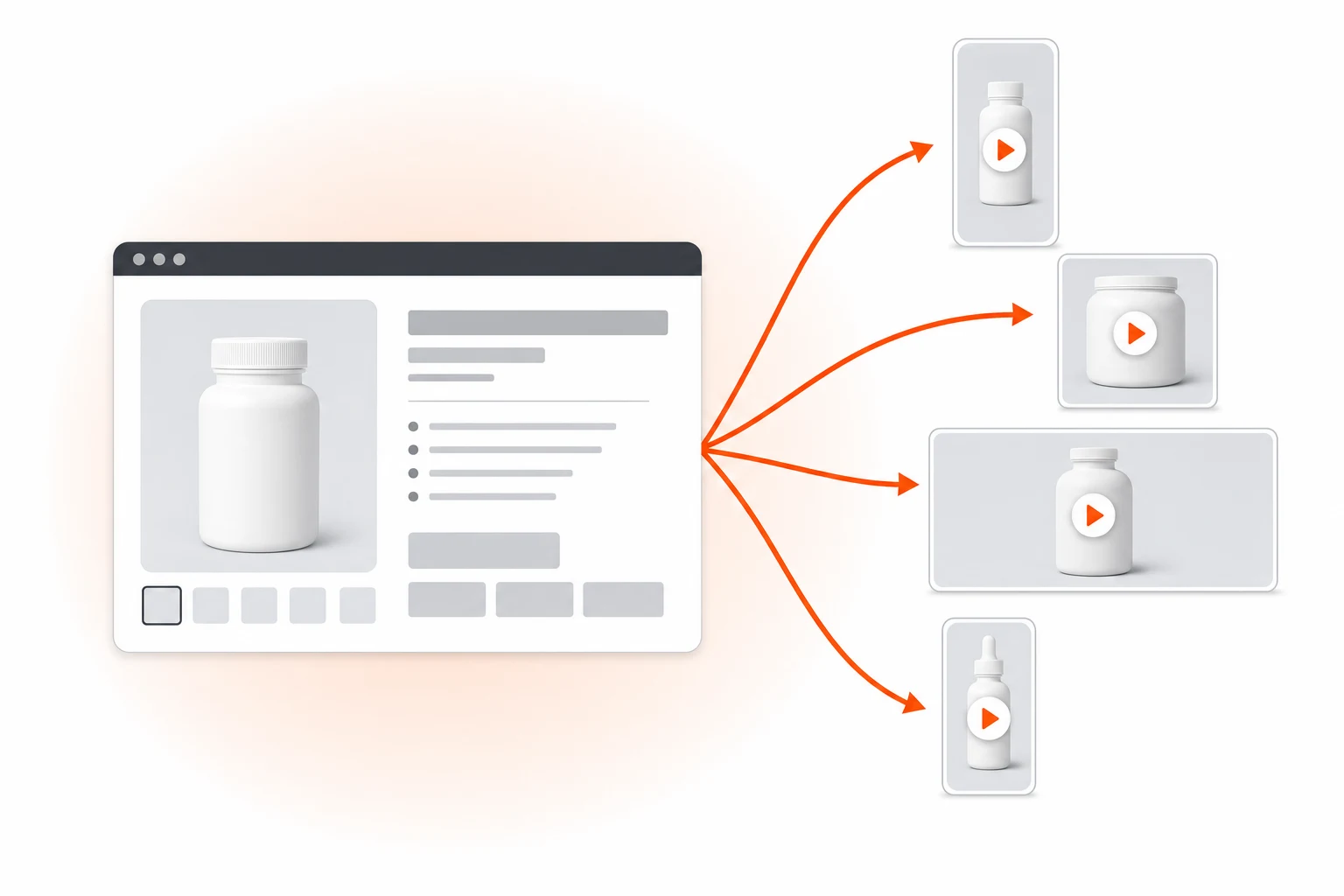
How to turn an Amazon listing URL into a Sponsored Brand Video, main image video, and A+ Content video without filming. Spec sheets, format breakdowns, and the cost math for FBA sellers.
On this page
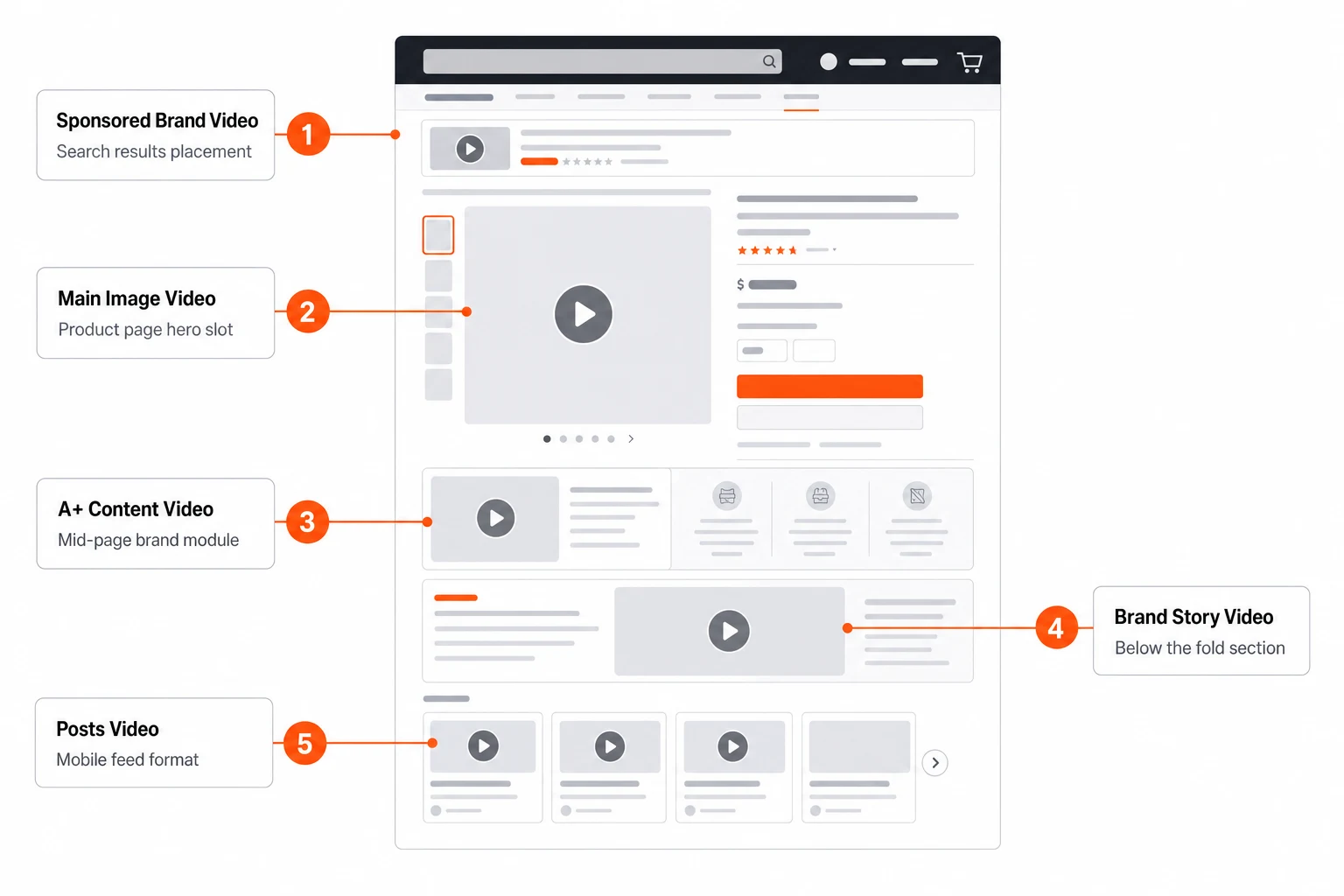
Amazon's video real estate is bigger than most sellers realize. Sponsored Brand Video sits inside the search results. The main image video plays inline on the product page. A+ Content carries up to nine video modules. Posts and Brand Stories accept short-form clips. Sponsored Display Video runs across Amazon's own properties and off-site. Each format has its own technical guidelines published on Amazon Advertising — but for most sellers, they all share a single bottleneck: producing video at all. Marketplace Pulse and Jungle Scout's State of the Amazon Seller consistently flag video production cost as a top constraint for mid-sized FBA brands.
This playbook covers the 2026 alternative — turning an Amazon listing URL into the full set of video assets without filming. It walks through every Amazon video format, the technical spec for each one, the creative pattern that converts in that slot, and the cost math compared to Amazon Live Studio or external production.
The five Amazon video surfaces
Most sellers conflate "Amazon video" with Sponsored Brand Video and miss the other four. Each surface is a separate ranking and conversion lever.
Sponsored Brand Video (SBV)
The big one. Appears in mobile and desktop search results above and inside the organic feed. 9:16 on mobile, 16:9 or 4:3 historically on desktop (Amazon now favors square 1:1 for cross-device). 6–45 seconds. Auto-plays muted, so subtitles are mandatory — not optional. SBV is where most FBA seller ad budgets land, and where AI-generated creative pays back fastest. Amazon's Sponsored Brands help center maintains the current specs.
Main image video (product page)
Plays in the main image carousel on the product detail page. Brand Registry sellers only. 1:1 aspect, 15–30 seconds optimal. Critical: this is the highest-intent video slot on Amazon — viewers are already on the listing. Conversion impact is measurable and often produces a meaningful lift in unit sessions according to Amazon's own A/B Test program findings.
A+ Content video modules
Brand-registered sellers can drop up to nine video modules into A+ Content. These run lower in the listing but are scanned by buyers who already added to cart and are returning to verify. Mid-funnel reinforcement creative. 16:9, 30–60 seconds. The official guidance lives in Amazon Seller Central's A+ Content guide.
Amazon Posts video and Brand Stories
Lower priority. Shows up in feeds on mobile. Short-form, 9:16, 15s. Free organic reach inside Amazon. Worth shipping if you already have video assets — not worth producing for from scratch.
Sponsored Display Video
Runs on and off Amazon (Twitch, third-party sites). Retargets shoppers who viewed your listing or competitor listings. 16:9, 6–45s. Specs are similar to SBV but the creative pattern is different — viewers are no longer in search mode. Amazon Advertising's Sponsored Display documentation covers current placements and creative formats.
Sponsored Brand Video — the killer slot
SBV is the highest-volume Amazon ad video and the one most worth optimizing. Specs are tight and break a lot of imported creative.
| Spec | Value |
|---|---|
| Aspect ratio | 16:9, 1:1, or 9:16 (1:1 most flexible) |
| Duration | 6–45 seconds (15s optimal) |
| Resolution | 1280×720 minimum, 1920×1080 recommended |
| Max file size | 500 MB |
| Frame rate | 23.976, 24, 25, 29.97, 30 fps |
| Audio | AAC, 96 kbps minimum, 192 kbps recommended |
| Codec | H.264 |
| Bitrate | 1 Mbps minimum |
| Subtitles | Burned-in required (auto-play muted) |
| End frame | No black frames in last 100ms |
The "no black end frame" rule kills more uploads than any other. If your editor adds a fade-to-black, Amazon's auto-check rejects the asset. Prizmad renders end-frames with the product image, not black.
What converts in SBV
Three patterns that consistently outperform generic product showcases:
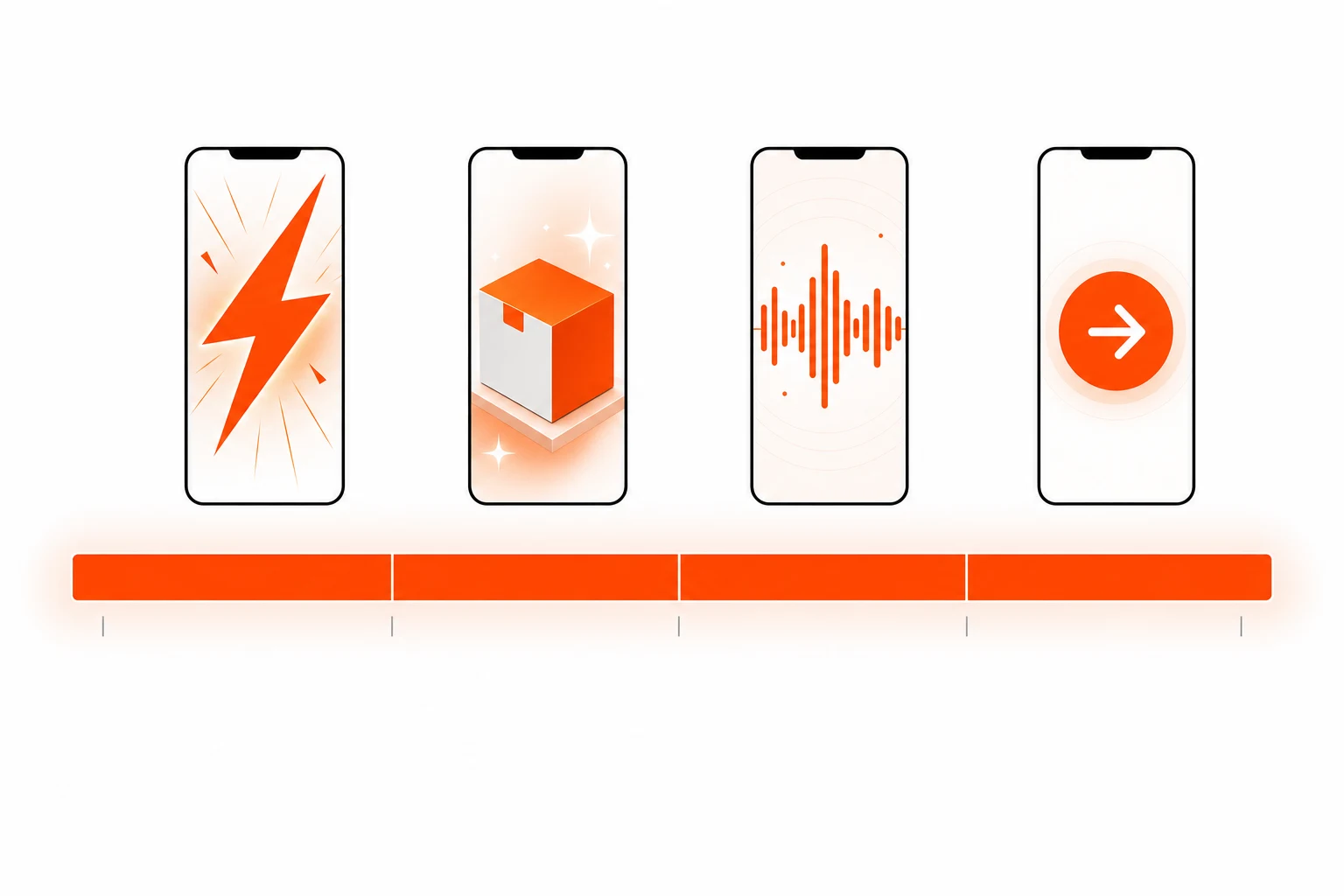
- Six-second hook + product fact. Mobile users on Amazon are pre-qualified — they searched a category-relevant query. You do not need a TikTok-grade pattern interrupt. You need a fast, specific claim: "27g protein. 1g sugar. Zero whey." Then product reveal.
- Comparison framing. "What you usually buy: $X. What this is: $X with [differentiator]." Works because Amazon shoppers are mid-comparison anyway.
- Outcome demonstration. Show the result, not the product. Pour the protein into water → it dissolves cleanly. Open the bag of coffee → camera catches the steam. The product reveal is the proof, not the lede.
All three patterns map to the Prizmad Quick Pitch or Spotlight templates.
Main image video — highest-intent slot
The main image video plays on the listing detail page, in the image carousel, often at the top of the buy-box scroll. Specs:
- 1:1 aspect, 1080×1080 recommended
- 15–30 seconds (shorter is better; viewers are mid-decision)
- No external URLs, no claims of "best", "#1", or unverified comparisons
- Subtitle-required (same auto-play muted behavior)
The creative pattern for main image video is different from SBV. The viewer has already clicked through — they are evaluating fit, not awareness. Show:
- Scale. How big is it actually? (Hand for reference)
- Material/build. Texture close-up. Stitching, finish, weight in hand.
- Use in context. One real-life demonstration of the product in use.
- Pack-out. What you receive in the box.
No avatar talking head is needed here — silent product B-roll with text overlays performs better. Use Seedance 2.0 image-to-video or reference mode with product images pulled from the listing.
A+ Content video — the trust reinforcement layer
A+ Content video runs lower on the listing, after images and bullet points. Viewers who scroll this deep are already 70% to convert. The video's job is to remove the last objection.
Specs:
- 16:9 aspect, 1920×1080 recommended
- 30–60 seconds (longer than SBV; the user is committed)
- No call-to-action overlays (Amazon strips them)
- Pulled from the same brand video pool as SBV with format conversion
Creative pattern: specific objection handling. If reviews flag "is it too heavy?", make a 30s video that shows weight on a scale and one-handed handling. If reviews flag "does this fit a queen bed?", show the fit on a queen bed. A+ video is not for awareness — it is for the final 30% of buyers who add to cart but bounce on the spec page.
Cost math: AI pipeline vs Amazon Live Studio vs agency
For an FBA seller running 5–10 ASINs with full video coverage (SBV + main image + 2 A+ modules per ASIN), the math is brutal.
| Channel | Cost per ASIN (full coverage) | Turnaround | Refresh cycle |
|---|---|---|---|
| Amazon Live Studio (verified producers) | $1,500–$4,500 | 3–4 weeks | Annual |
| External production agency | $3,000–$10,000 | 4–6 weeks | Annual |
| Freelance UGC + editor | $800–$2,000 | 2–3 weeks | Bi-annual |
| AI pipeline (Prizmad) | under $40 in tokens | under 30 min for full set | Monthly or per-launch |
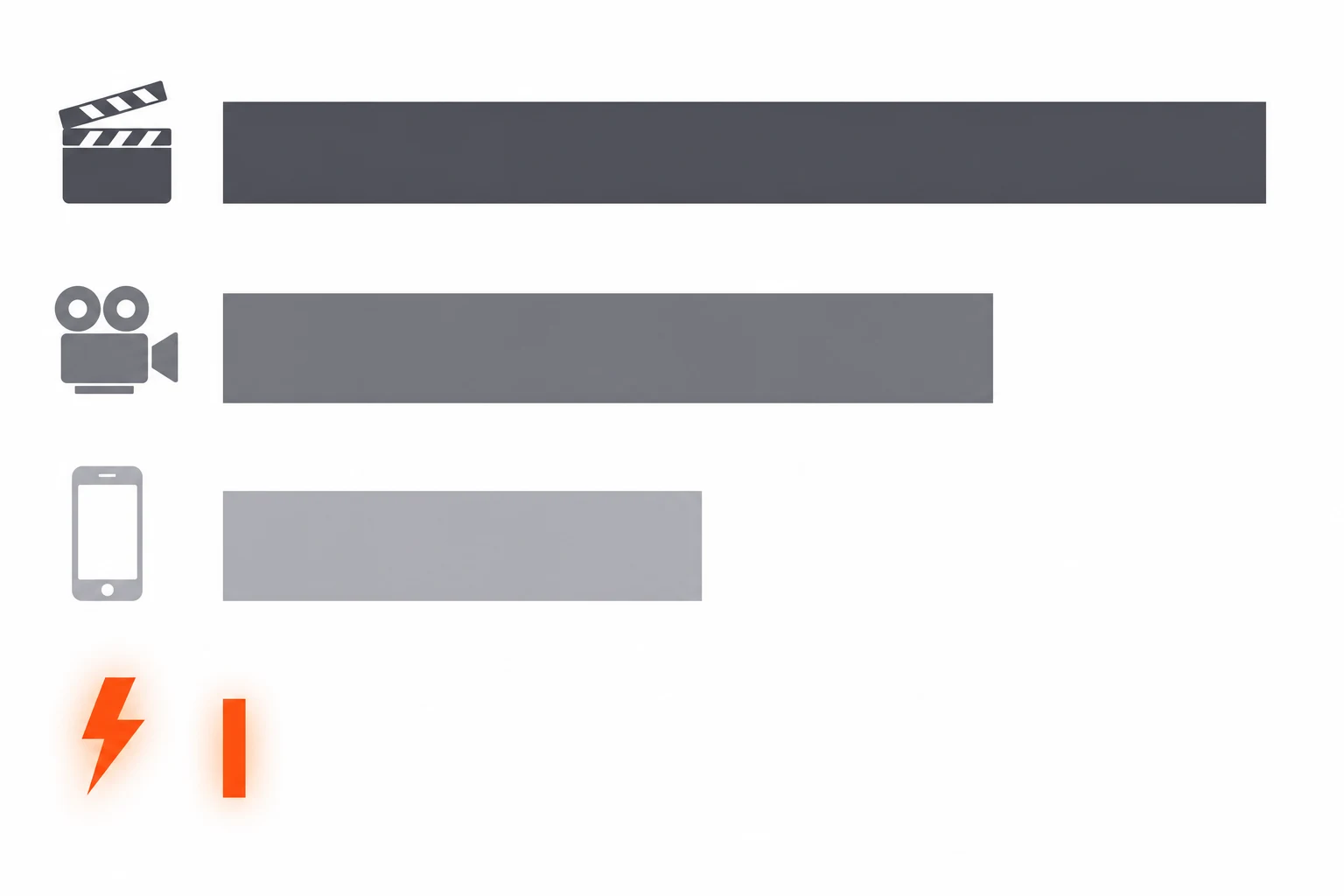
A 5-ASIN catalog with quarterly refresh on traditional production costs roughly $30k–$90k per year just in video assets. The same coverage on an AI pipeline costs less than $500/year in tokens — and ships in days, not weeks.
The real unlock is that quarterly becomes monthly. Most Amazon sellers ship video once and never refresh. AI lets you ship a new SBV creative for every Lightning Deal, every Prime Day, every Black Friday, and every seasonal promo without re-engaging production.
The five-minute walkthrough
How to produce the full Amazon video set from one ASIN URL:
- Paste the Amazon listing URL into
/new. The parser reads product title, price, bullets, A+ content, and the main image carousel. - Select Sponsored Brand Video template. Choose 1:1 aspect for cross-device flexibility.
- Hook pattern — pick from the SBV-optimized patterns (six-second claim, comparison, outcome).
- Generate — pipeline renders ~5 minutes for the full SBV.
- Resize for main image and A+ Content — Prizmad outputs 1:1 (main image) and 16:9 (A+ Content) from the same source render. No re-render needed.
- Verify Amazon specs — file size under 500 MB, no black end frame, subtitles burned in. Prizmad pre-checks these on download.
Compliance — Amazon's hard rules
Amazon's video ad review is stricter than Meta or TikTok. The full rulebook lives in Amazon Advertising's Creative Acceptance Policies. Three things that get videos rejected in practice:
- Implied medical, health, or financial claims. Even for non-supplement categories. "Cures dry hands" → rejected. "Hydrates and softens" → fine. Default to verifiable, sensory language. For US sellers, the FTC's advertising guidance covers the underlying federal rules.
- Competitor mentions or comparisons. Cannot name competitors. Cannot say "better than X". Cannot say "stop buying [generic competitor product]". Stick to your own product's facts.
- Pricing in the video. Do not show prices that may go out of date. Amazon dynamically updates pricing on the listing — your video should not contradict it.
Same logic for AI-generated avatars: the avatar cannot impersonate a real person, claim to be a real customer, or be presented as a "verified buyer".
Frequently asked questions
What is Prizmad?
Prizmad is an AI ad agent for ecommerce brands. Paste a product link or describe your product in a chat, and the agent — trained on 60M+ ad creatives — writes the hooks and script, casts an AI actor and voice, and delivers ready-to-post video ads for TikTok, Reels and Shorts in about 5 minutes.
What are AI UGC ads?
AI UGC ads (AI-generated user-generated content ads) are video advertisements that use AI avatars, synthetic voiceovers, and automated editing to replicate the authentic, creator-style content traditionally filmed by real influencers or users. Prizmad generates AI UGC video ads from any product URL in minutes — at a fraction of the cost of hiring human UGC creators.
How long does it take to generate a video?
Most videos are ready within 5 minutes. Complex ads with custom avatars may take up to 10 minutes. You'll receive a notification when your video is ready.
Do I need video editing experience?
Not at all. You just chat: paste a product link, say what you want, and the agent handles the script, actor, voice and editing. Want a change? Ask in plain words.
Do I need a product link to get started?
No. A link is the fastest start — paste a page from Shopify, Amazon, Etsy or any store and the agent reads it. Or just describe your product in the chat.
Can I edit the AI-generated script?
Yes. The agent shows you the hooks and script before anything renders — edit any line yourself or ask it to ("make the hook punchier", "shorter CTA").
What platforms can I publish to?
Export videos ready for TikTok, Instagram Reels, Facebook Ads, YouTube Shorts, Shopify, and Amazon. All standard formats are included: 9:16 (vertical), 1:1 (square feed), and 16:9 (landscape) — all in Full HD 1080p.
How does AI UGC compare to hiring human UGC creators?
Traditional UGC creators charge $500–$2,000 per video and take 1–3 weeks to deliver. AI UGC ads from Prizmad cost approximately $7–13 per video (depending on your plan), generate in about 5 minutes, and can be produced in unlimited variations for A/B testing — in 15 languages from a single product link.
Do I own commercial rights to my AI-generated ads?
Yes. You own full commercial rights to every video ad you generate with Prizmad. Use them on any advertising platform, in any market, for as long as you want — no additional licensing fees.
Is it legal to run AI-generated video ads on TikTok, Meta, and Google?
Yes. AI-generated video ads are permitted on major ad platforms including Meta (Facebook and Instagram), TikTok, Google, and YouTube, provided they comply with each platform's advertising policies and any applicable AI-content disclosure requirements. You own full commercial rights to every video ad generated with Prizmad and can run them on any advertising platform without additional licensing fees.
How do tokens work?
Chatting with the agent is free — tokens are spent only on what it generates, like videos, images and voiceovers. A finished video ad with an AI avatar costs around 1,000 tokens; simpler videos cost far less. Launch includes 3,000 tokens, Starter 8,000 and Pro 35,000. Plan tokens refresh each billing cycle; top-up tokens never expire.
Can I cancel my subscription?
Yes, you can cancel anytime from your account settings. You'll keep access until the end of your billing period. No questions asked.
Ready to produce the full Amazon video set? Paste your ASIN URL into the Prizmad generator — Sponsored Brand Video, main image video, and A+ Content video from one render in five minutes.